

Say hello to automated innovation.
Innovation in the future will run on the train tracks of automation. Set up and run automated workflows to accelerate your innovation.
Does Your Innovation Process Still Rely on Manual Triage and Spreadsheets?
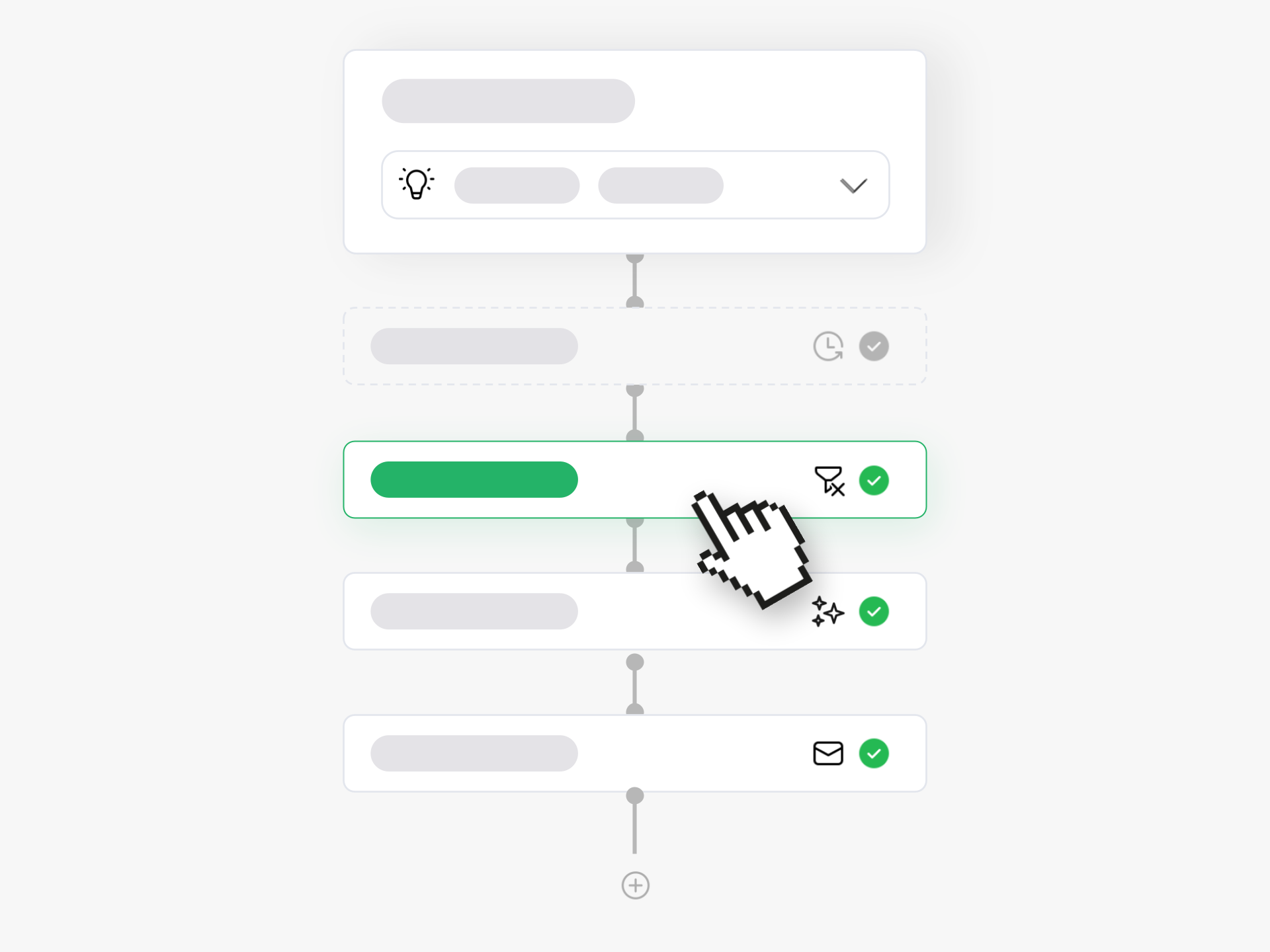
Ideanote gives you a complete no-code workflow builder to automate every stage of your innovation process. You design the exact stage-gate process your organization needs, then set up triggers and actions to route ideas, notify the right people, and move projects forward automatically.
Build workflows with triggers based on idea submissions, rating completions, status changes, form inputs, comments, or time delays. Add conditions and filters to route ideas to the right departments or expert committees. Use AI context to enrich your automation logic. Then choose actions like sending notifications, updating idea status, creating form entries, or pushing data to external systems via webhooks.
Your Process, Your Rules
Control who moves ideas between phases, who rates submissions, and who sees what at each stage. Set up permissions per workflow step to maintain governance while keeping your process moving.
Build Once, Use Forever
Save workflows as templates and reuse them across multiple collections, campaigns, or events. No need for external automation tools. Everything runs inside Ideanote, saving your innovation team hours of manual work each week.
This transforms your innovation program from ad-hoc project management into a repeatable system that consistently produces results while freeing your team to focus on implementing winning ideas.
How Do I Customize Workflow Stages to Match Our Process?
You build your workflow stages directly in Ideanote without code. You define each phase of your innovation process, from submission through evaluation to implementation. Each stage becomes a step in your workflow where ideas move through your specific gate-keeping process.
You control what happens at each stage. Set up who gets notified, what actions trigger, and which teams review ideas. Your workflow reflects your company's actual decision-making process, not a generic template.
Can Ideas Route Automatically to the Right People or Departments?
Yes. You set up triggers based on form inputs, tags, or other criteria you define. When someone submits an idea, the workflow routes it to the appropriate team, manager, or expert group automatically.
For example, if an idea relates to HR based on a dropdown selection, the system sends it to your HR reviewers. If it involves product development, it goes to your product team. You eliminate manual sorting and ensure the right experts see each idea.
What Triggers Can Move Ideas Through Workflow Stages Automatically?
Ideanote offers triggers for ratings, likes, comments, status changes, and time delays. When a rating finishes or when an idea reaches a certain score, you can trigger the next workflow step. You can also move ideas based on when content changes or when someone links ideas together.
You combine these triggers with conditions and filters for precise control. Set a rule to advance ideas that score above a threshold after a specific time period. Or flag ideas that remain in a stage too long and send reminders to reviewers.
Who Decides Which Users Can Move Ideas Between Phases?
You control permissions at each workflow stage. Assign specific roles or individuals the right to advance ideas from one phase to another. Some stages might allow only administrators to move ideas forward, while others might let department leaders or review committees make decisions.
This governance layer prevents ideas from advancing prematurely. You ensure that only qualified reviewers or decision-makers can push ideas through critical gates in your process.
Can We Save Workflows as Templates and Reuse Them?
Yes. Build a workflow once at the workspace level, then apply it across multiple idea collections. When you run recurring campaigns or repeating innovation programs, you clone the entire setup including workflow rules, permissions, and automation triggers.
This saves setup time for quarterly challenges, regional innovation drives, or regular improvement initiatives. Your team runs proven processes repeatedly without rebuilding workflows from scratch each time.
How Do Notifications Work When Ideas Move Through Stages?
You configure notifications as actions in your workflow. When an idea enters a new phase, Ideanote sends alerts to assigned reviewers, stakeholders, or the idea submitter. You decide who gets notified and when.
Notifications keep accountability high. When ideas reach the evaluation stage, your expert panel receives an email. When decisions get made, submitters hear back automatically. You reduce follow-up emails and keep everyone informed without manual updates.
Can I Add AI Context or Analysis to Workflow Automation?
Yes. You enrich workflows with AI-generated insights as ideas move through stages. The AI analyzes idea content and provides context that helps with routing decisions or priority scoring. You integrate this analysis into your automation rules.
This means your workflow can use AI assessments alongside human ratings and form data to make smarter routing and triage decisions. The AI layer adds intelligence to your automation without requiring manual review at every step.
Can Workflows Push Ideas to External Tools When They Reach Certain Stages?
Yes. When ideas reach a specific stage, you can trigger webhooks or integrations to external systems. You send approved ideas to project management tools, development platforms, or other systems where implementation happens.
You define the handoff point in your workflow. Once an idea gets final approval and reaches "implementation" status, the workflow can push data out. This closes the loop between ideation and execution without manual data transfer.
Stop innovating like it's 1995. Free up valuable time for your team with automation workflows right inside Ideanote.


Smart and Easy Idea Management
Talk to our Experts or try Ideanote for free. No credit card required.

