

How Do You Control Who Sees What Across Departments?
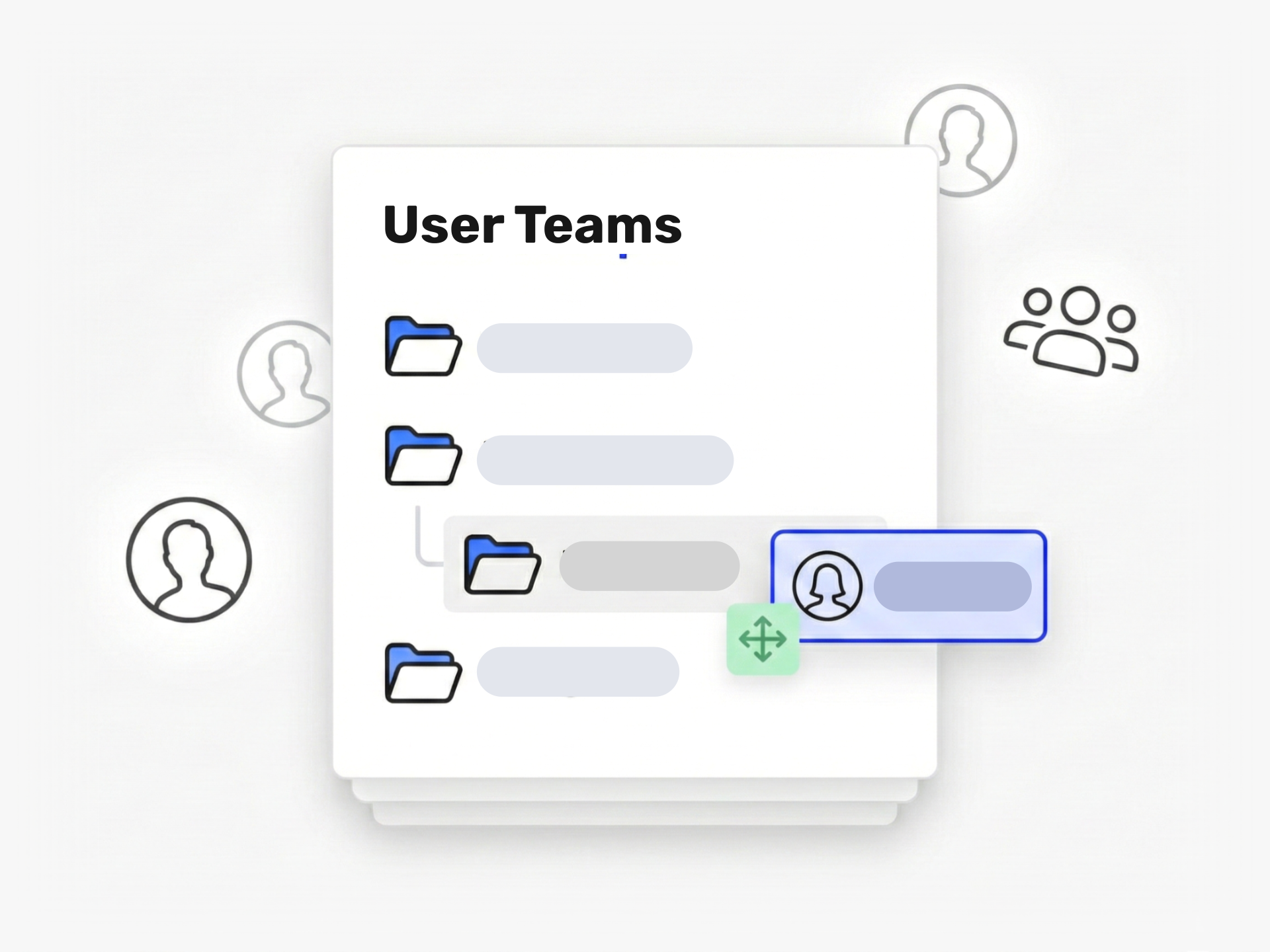
Ideanote Teams let you group users by department, location, or role and control exactly what each group accesses. You decide who sees which idea collections, who rates submissions, and who manages content in each area of your workspace.
Create a team for your marketing department, your engineering group, or your review committee. Assign that team access to the relevant collections. When you need to share access with five people or fifty, you assign the team once instead of adding individuals repeatedly.
Nested Teams for Your Real Organization
You work in a structure. Your innovation workspace should too. Build nested teams like Marketing, then Marketing North and Marketing South underneath. This mirrors how your business operates and gives you the right level of control and reporting for each unit.
Sync Teams From Your Directory
Connect Ideanote to your single sign-on and SCIM provider. When employees log in, Ideanote reads their department attribute and places them in the correct team automatically. When someone leaves your company, their access ends without manual cleanup.
Teams give you department-level analytics, secure access control, and the ability to route ideas to the right people. You get structure that scales with your organization.
How Do Teams Differ From Sections in Ideanote?
Sections are a visual way to organize idea collections. You give section owners the ability to manage content in their area. Teams are different. They are collections of users that you assign access rights to.
You decide how to combine them. You might create one team per section, or you might use multiple teams in one section. The structure depends on your organization's needs.
Can Teams Mirror Our Organizational Structure?
Yes. You create teams with custom names and icons that match your departments, plants, or business units. Teams support nesting, so you place Team Marketing North and Team Marketing South inside Team Marketing.
This structure gives you fine-grained control over access and analytics. You see participation and idea flow at each level of your organization.
How Do Teams Control Who Sees What?
When you set up an idea collection, you choose which teams get access to it. Only members of those teams see and interact with that collection.
This means your engineering team submits ideas to their collection without seeing HR initiatives. Your finance department evaluates budget proposals without accessing product development ideas. You control visibility at the team level.
Can I Route Ideas to Specific Teams Automatically?
Yes. You assign teams to collections, and those teams receive access to evaluate, comment, or act on ideas in that space. When someone submits an idea to a collection, the assigned team gets the access and responsibility to handle it.
You also use form fields and automations to route ideas based on the content submitted. This helps ideas reach the right stakeholders without manual sorting.
Can Teams Sync With Our Active Directory or SSO?
Yes. Ideanote supports single sign-on and SCIM provisioning. When you connect your identity provider, you send user attributes like department or location to Ideanote.
Ideanote reads these attributes and places users into the correct teams automatically. If someone belongs to Sales North in your directory, they join the Sales North team in Ideanote. This works with nested team structures too. When an employee leaves your company, their access to Ideanote is revoked through your identity system.
Can I See Analytics Broken Down by Team or Department?
Yes. Teams serve as a reporting dimension in your analytics. You see which departments submit the most ideas, which locations participate more, and how engagement varies across teams.
This visibility helps you identify where innovation thrives and where you need to focus your efforts. You compare participation rates, idea quality, and implementation success across any team in your structure.
Do I Have to Create Teams Manually?
You create teams manually in the workspace if you prefer. This gives you full control over naming, structure, and membership.
If you connect SCIM or single sign-on with attribute mapping, Ideanote creates and updates teams automatically based on your directory data. You also use workspace-level automations to adjust team membership based on rules you define. The setup method depends on your organization's size and IT infrastructure.
Can I Set up Review Committees or Rating Teams?
Yes. You create a team for your review committee and give that team access to evaluate ideas in specific collections. If your rating team has five people, you add them to one team and assign that team to the collections they need to review.
This approach saves time when you need to grant the same group of people access to multiple collections. You manage membership in one place, and their access updates everywhere the team is used.
With Ideanote, you can be where your people are and make innovation simple and engaging or everyone.


Smart and Easy Idea Management
Talk to our Experts or try Ideanote for free. No credit card required.

