

Let people manage innovation.
Delegate your innovation by promoting people to manage content. Your innovation is as strong as your people - it's time to empower them.
Who Controls What in Your Innovation Program?
Your team needs different levels of access. Innovation managers need full control. Department heads want to run their own collections. Employees should contribute without seeing everything. External partners need limited participation.
Ideanote gives you five user ranks to match how your organization works.
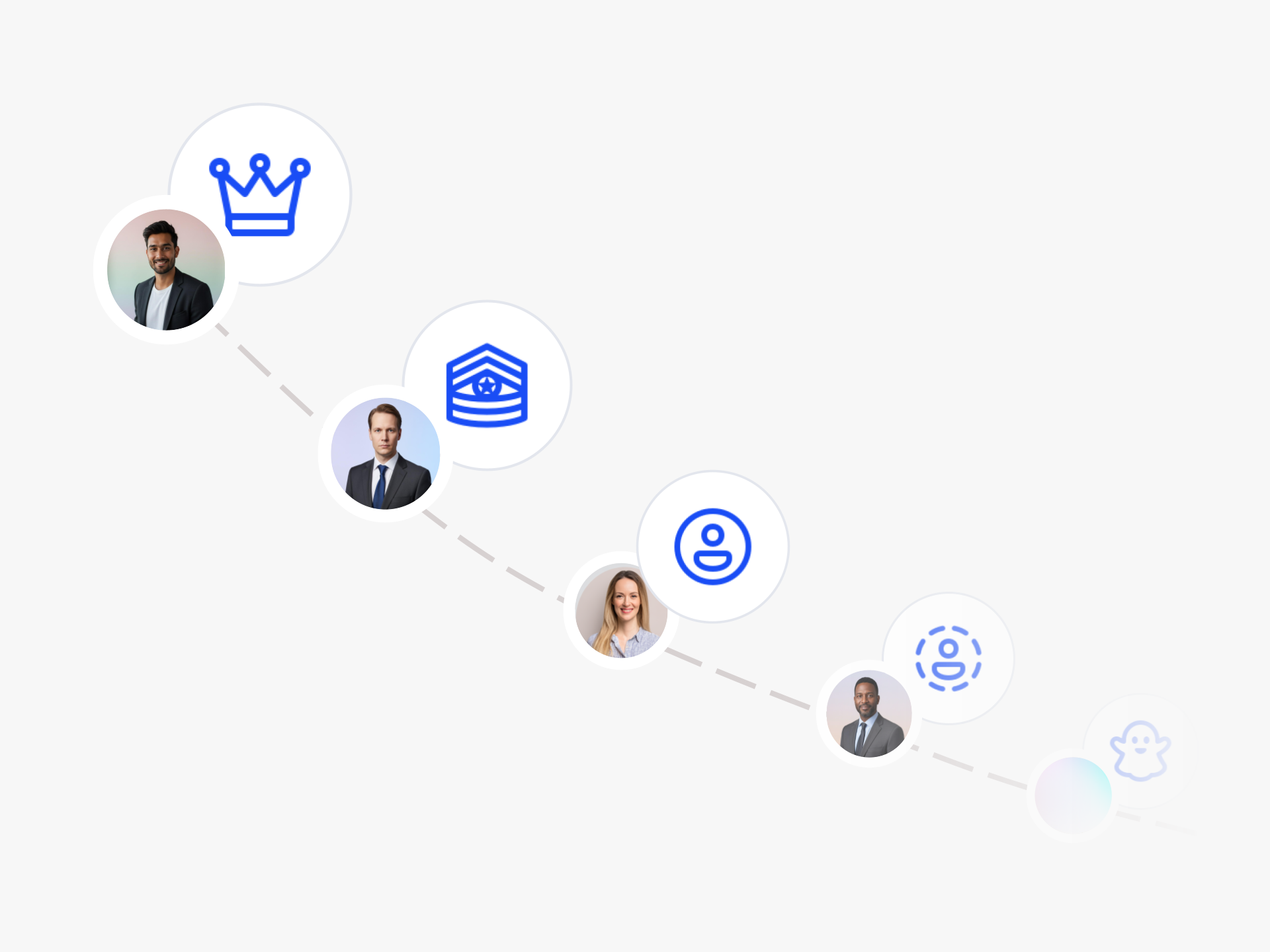
Workspace Owners control billing, security, and authentication. Admins create idea collections and manage content they see. Section Owners run their departments without touching other areas. Members submit ideas to collections they have access to. Guest Users join through shareable links for single collections.
You decide who sees what. Share collections with specific departments, teams, or individuals. Set up confidential submissions where only admins view ideas. Segment by location, plant, or role level. Keep customer groups separate in the same workspace.
Need external collaborators? Invite advisors, universities, or partners as guests. They only access their designated collection.
Want frictionless submissions? Enable no-signup collection through widgets. These anonymous submissions do not count toward your user limit and require no login.
Control who moves ideas through workflow stages. Restrict phase transitions to specific roles. Set up review committees with the right permissions.
Your people drive innovation forward. Give them the right access to do their best work.
Who Can See What in My Workspace?
Visibility in Ideanote is controlled at the idea collection level. Normal members only see the idea collections they have been invited to. If they have not been invited to a collection, they do not see it. If there are no collections they can access in a section, that section does not appear for them either.
This means you can share collections with specific teams, departments, or individuals. You can also use shareable links or widgets to give guest users access to a single collection without exposing your entire workspace. Charts and statistics respect these permissions, so people only see counts and data for content they have access to.
What is the Difference Between Admins and Normal Members?
Admins can create idea collections and manage any content they see, including editing or deleting ideas. By default, they do not have full access to collections they did not create or were not invited to, but they can grant themselves access at any time because of their admin rights.
Normal members cannot create idea collections. They can add ideas to collections they have been invited to, create their own drafts, and participate in the collections where they have been given access. Most users in your workspace will be normal members, including anyone signing in through single sign-on.
Can I Restrict Who Moves Ideas Between Workflow Phases?
Yes. When you invite people to an idea collection, you can control their permissions by phase. You can allow specific users to comment or rate in certain phases, while restricting phase transitions to admins or collection owners.
This lets you set up review committees or approval workflows where only designated people can advance ideas through your process. Everyone else can contribute feedback or ratings without moving ideas forward.
Can External Partners or Customers Participate Without Full Access?
Yes. Guest users are not part of your workspace or teams. When you create a shareable link or widget, people who join through these become guest users with access to only that one idea collection. They do not see any other collections in your workspace.
If you invite everyone in your workspace to a collection, guests are not included in that "everyone." You maintain full control over what external collaborators can see and do, and they count toward your user limit.
Can People Submit Ideas Without Signing In?
Yes. When you collect ideas without requiring signup using a widget or link, submissions come from ghost users. These users are not signed in, do not have an email tied to their submission, and do not count toward your billing limit.
Ghost users cannot receive notifications and cannot return to view or edit their ideas later. They provide a low-friction way to collect input from frontline employees or public audiences without requiring account creation.
Can I Segment Access by Department or Location?
Yes. You can invite specific teams, departments, or individual users to each idea collection. You can also assign section owners who manage content within their section without affecting other parts of your workspace.
This lets you create separate collections for different plants, business units, or customer groups. Each group only sees the collections relevant to them, and you can use teams to organize users by any structure that fits your organization.
Can Ideas Be Submitted Anonymously to Prevent Bias?
Yes. When you collect ideas without signup using a widget, those submissions come from ghost users who are not identifiable. You can also create shareable links or widgets that minimize the information collected from contributors.
For evaluation, you can control who sees contributor information by managing permissions on each idea collection. This lets you set up competitions or feedback campaigns where evaluators only see the ideas themselves.
Do Different User Roles Have Different Costs?
Your workspace owner, admins, section owners, and normal members all count toward your user limit. Guest users, who join through shareable links or widgets and only have access to a single collection, also count toward this limit.
Ghost users, who submit ideas without signing in, do not count toward your billing limit. This means you can collect unlimited low-friction submissions from frontline staff or customers without increasing your costs.
With Ideanote, you can be where your people are and make innovation simple and engaging or everyone.


Smart and Easy Idea Management
Talk to our Experts or try Ideanote for free. No credit card required.

