

Build an idea submission form.
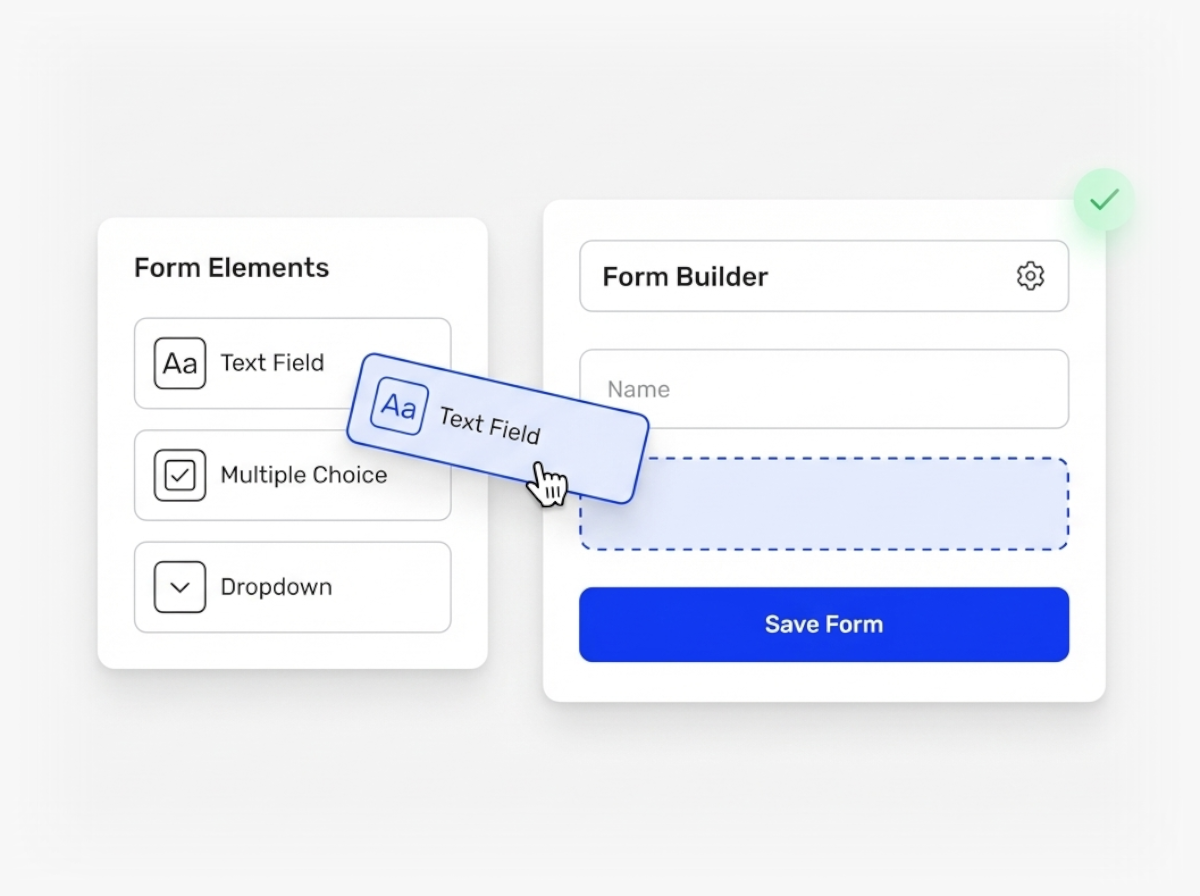
Build your own idea submission forms with custom fields like dropdowns, sliders, attachment fields and more.
Do You Need More Than a Title and Description Field?
Most organizations quickly outgrow basic idea forms. Your teams need to capture specific information upfront: which department does this idea belong to, what problem does it solve, who should review it, or what budget range applies.
Ideanote lets you build custom submission forms with the exact fields your process requires. Add dropdowns for department selection, sliders for effort estimates, checkboxes for categories, user fields for sponsors, tag lists for themes, and attachment fields for supporting documents. You control which file types people submit.
You set up conditional logic so fields appear only when relevant. Apply validation rules to email and phone fields. Include descriptions and default values for each field, using dynamic variables to pre-fill data or greet users by name.
Simple Forms or Detailed Collection
Define standard forms at the workspace level that apply across all your collections. This keeps data consistent and makes reporting easier. We recommend starting with seven fields or fewer to maintain high submission rates.
When a specific collection needs different questions, create a local form. You choose the right balance between standardization and flexibility.
Add fields later in your workflow when ideas move to business case or implementation phases. Collect the right information at the right time without overwhelming submitters upfront.
How Do I Customize an Idea Submission Form in Ideanote?
You build custom forms by adding fields like radio buttons, dropdowns, checkboxes, sliders, text fields, email fields, phone numbers, attachments, and more. You choose which fields to include and arrange them in the order that works for your process.
Each field comes with options for descriptions, default values, and conditional logic. This means you show or hide fields based on previous answers, making forms adapt to what each submitter needs to fill out.
Should I Keep the Submission Form Simple or Add More Fields?
We recommend starting with a simple form. A maximum of seven fields keeps engagement high and reduces the chance that people abandon the form before submitting.
You collect the essential information upfront and add detail later in the workflow. This approach works better than asking for everything at once, especially when you want broad participation from teams or customers.
Do I Need to Collect All Information at Submission, or Do I Add More Fields Later?
You add fields at different stages of your workflow. For example, you collect a basic idea description during submission, then add business case fields when an idea moves to evaluation or implementation phases.
This staged approach reduces friction at the start and gathers detailed information only when an idea shows promise. You control when and where additional forms appear in your process.
Do I Set up One Form for the Whole Workspace or Different Forms for Each Collection?
You set up a workspace-level form that standardizes how ideas are collected across your organization. This approach keeps data consistent and makes reporting easier when you export or analyze ideas.
You also create local forms for specific collections when needed. For example, you might need a specialized form for an NPS feedback widget or a department-specific campaign. Local forms give you flexibility, though they make cross-collection reporting more complex.
Do I Reuse Forms or Workflows Across Different Collections?
Yes. You save workspace-level forms as templates and apply them to multiple collections. This saves setup time and keeps your idea collection process consistent across teams and campaigns.
When you launch a new collection, you apply an existing form template instead of building from scratch. This works well for recurring campaigns or when different departments want to follow the same structure.
Do I Add Attachments, Legal Disclaimers, or Terms to the Submission Form?
Yes. You add attachment fields and specify which file types people submit. You set attachments as required or optional depending on your needs.
You also include legal disclaimers, terms of use, or ownership statements directly in the form. This ensures compliance and clarity before someone submits an idea.
Do Custom Forms Work in Embedded Widgets or External Collection Pages?
Yes. When you embed an idea collection widget on an external site or SharePoint page, your custom fields and branding carry through. Submissions collected through embedded forms follow the same structure as submissions made directly in Ideanote.
This means you maintain consistent data collection whether people submit ideas inside your workspace or through an external webpage. You also allow sign-up-free submissions when needed.
Stop missing ideas across post-its, emails and chats. It's time to launch goal-driven idea collection to customers and employees.


Smart and Easy Idea Management
Talk to our Experts or try Ideanote for free. No credit card required.

