

Rich Text Field for Clearer Idea Pitches
Let contributors format proposals with bold, lists, tables, images, drafts and character limits for sharper submissions.
How Do You Turn Brief Ideas Into Structured Pitches?
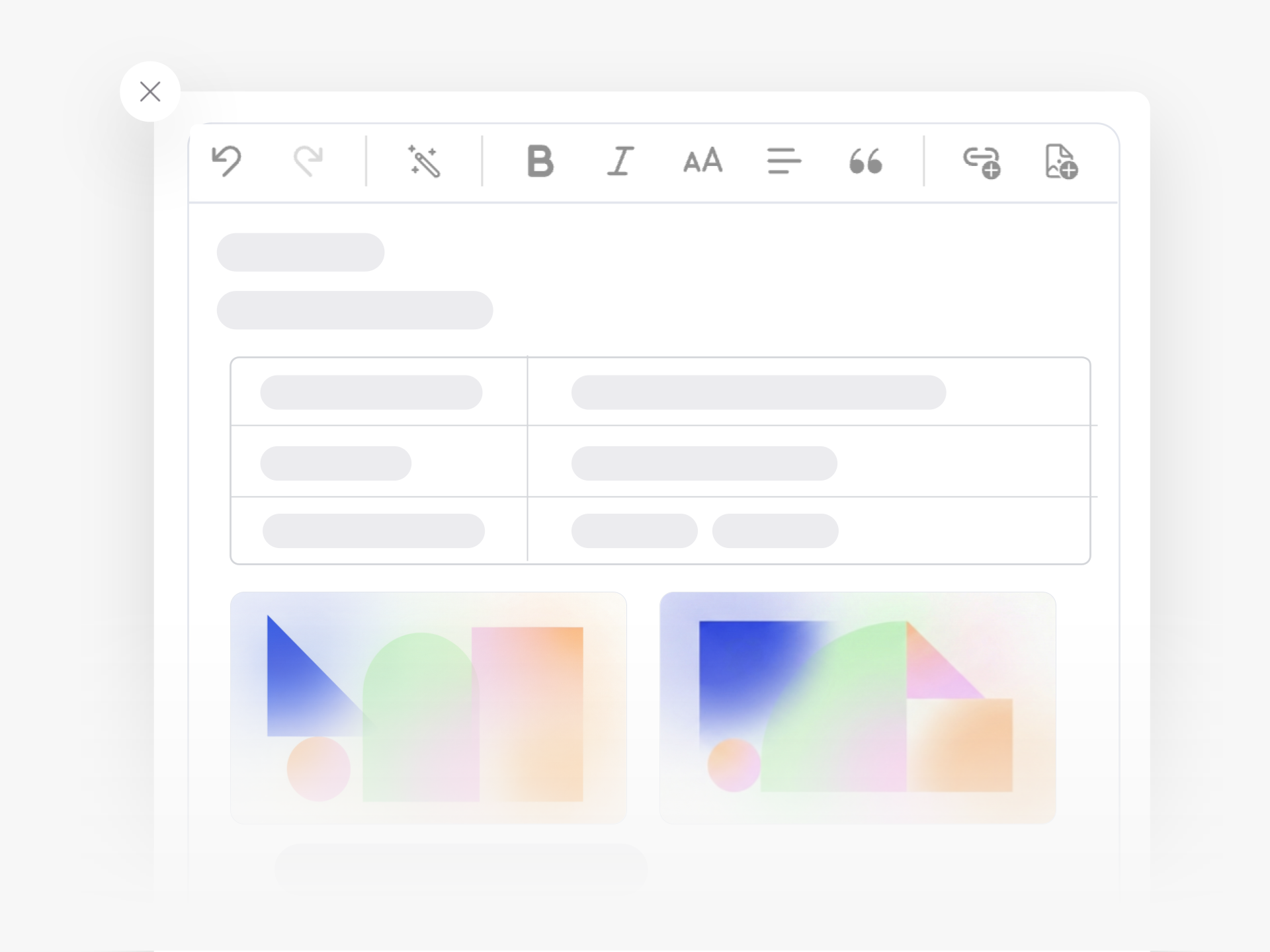
Your team has ideas, but a single text box often produces incomplete submissions. Contributors need room to explain context, add supporting materials, and structure their thinking. The rich text field gives submitters the tools to format their proposals with bold, italic, subheadings, bullet lists, tables, and embedded images.
This familiar editor reduces the number of form fields you need while improving submission quality. Contributors format their pitch the way it deserves. They add links to repositories or videos. They attach documents and diagrams directly in the description. They structure business case details in a readable way.
Draft, Refine, and Co-Edit
The draft feature works with the rich text field to let people start typing immediately. Contributors get their thoughts down without filling out a long form first. Co-authors work together on the same idea, styling and refining the pitch before submission. You see edit history to track changes and maintain accountability.
Set Guardrails for Clarity
You control minimum and maximum character counts to ensure pitches are detailed enough without becoming essays. Combine the rich text field with other input types like dropdowns or validation fields. Add multiple rich text areas if your workflow needs separate sections.
Better formatted ideas get the attention they deserve. Evaluators understand proposals faster. High-quality submissions move through your innovation process with less back-and-forth.
How Does Rich Text Improve the Quality of Idea Submissions?
Rich text lets contributors structure their thinking with formatting tools they already know: bold text for key points, bullet lists for features, tables for comparisons, and images to illustrate concepts. This familiar editor means people spend less time figuring out how to submit and more time explaining their ideas clearly.
When someone adds structure to their pitch, evaluators absorb the core concept faster. A well-formatted proposal with headings and lists gets the point across in seconds, while a wall of plain text forces reviewers to hunt for the important details. Better formatting leads to better decisions about which ideas to pursue.
Can Contributors Save Drafts and Come Back to Finish Their Ideas Later?
Yes. The rich text editor works with the draft feature, so contributors start typing whenever inspiration strikes and return to finish later. This removes the pressure to complete everything in one session.
Someone might outline their concept with a few bullet points during a meeting, then add supporting details and images the next day. The draft saves automatically, so no work gets lost between sessions.
Can We Add Images and Links to Idea Submissions?
Contributors embed images directly in the rich text field to show mockups, diagrams, or reference materials. They also add hyperlinks to external resources like videos, repositories, or documentation that support their proposal.
This means technical teams link to proof-of-concept code, designers attach visual references, and operations teams include process diagrams—all within the idea description rather than as separate attachments that might get overlooked.
Can Multiple People Edit and Refine the Same Idea Together?
When you enable co-ownership, multiple contributors work on the same submission. Each person formats and adds content to build a complete pitch together. This works well for cross-functional ideas where different team members contribute expertise from their domains.
The rich text editor makes collaborative editing practical because each contributor adds their section with proper formatting, headings, and structure. The result reads like a coherent proposal rather than disconnected comments.
Can We Set Character Limits to Keep Submissions Focused?
You configure minimum and maximum character counts for each rich text field. This encourages contributors to provide enough context without writing lengthy documents that evaluators won't read.
For example, you might require at least 200 characters to prevent one-sentence submissions while capping it at 2,000 to keep pitches concise. Teams adjust these limits based on the type of ideas they collect and how detailed submissions need to be.
Does Rich Text Work Alongside Other Custom Fields in the Submission Form?
Yes. You combine rich text fields with dropdowns, checkboxes, number inputs, and other field types in the same form. One rich text area might collect the main concept description while structured fields gather category, budget estimate, or implementation timeline.
This combination gives you both the flexibility of free-form writing and the consistency of structured data. Contributors explain their thinking in rich text while you still collect the standardized information needed for evaluation and reporting.
Will Contributors Find the Rich Text Editor Easy to Use?
The editor uses the same formatting interface people see in email clients, document tools, and messaging apps. The toolbar appears when needed and stays minimal when not in use, so the interface remains clean and approachable.
Even contributors who submit ideas rarely will recognize how to make text bold, create a list, or insert an image. No training required—they already know these tools from other software they use daily.
Stop missing ideas across post-its, emails and chats. It's time to launch goal-driven idea collection to customers and employees.


Smart and Easy Idea Management
Talk to our Experts or try Ideanote for free. No credit card required.

