

Move ideas forward, literally.
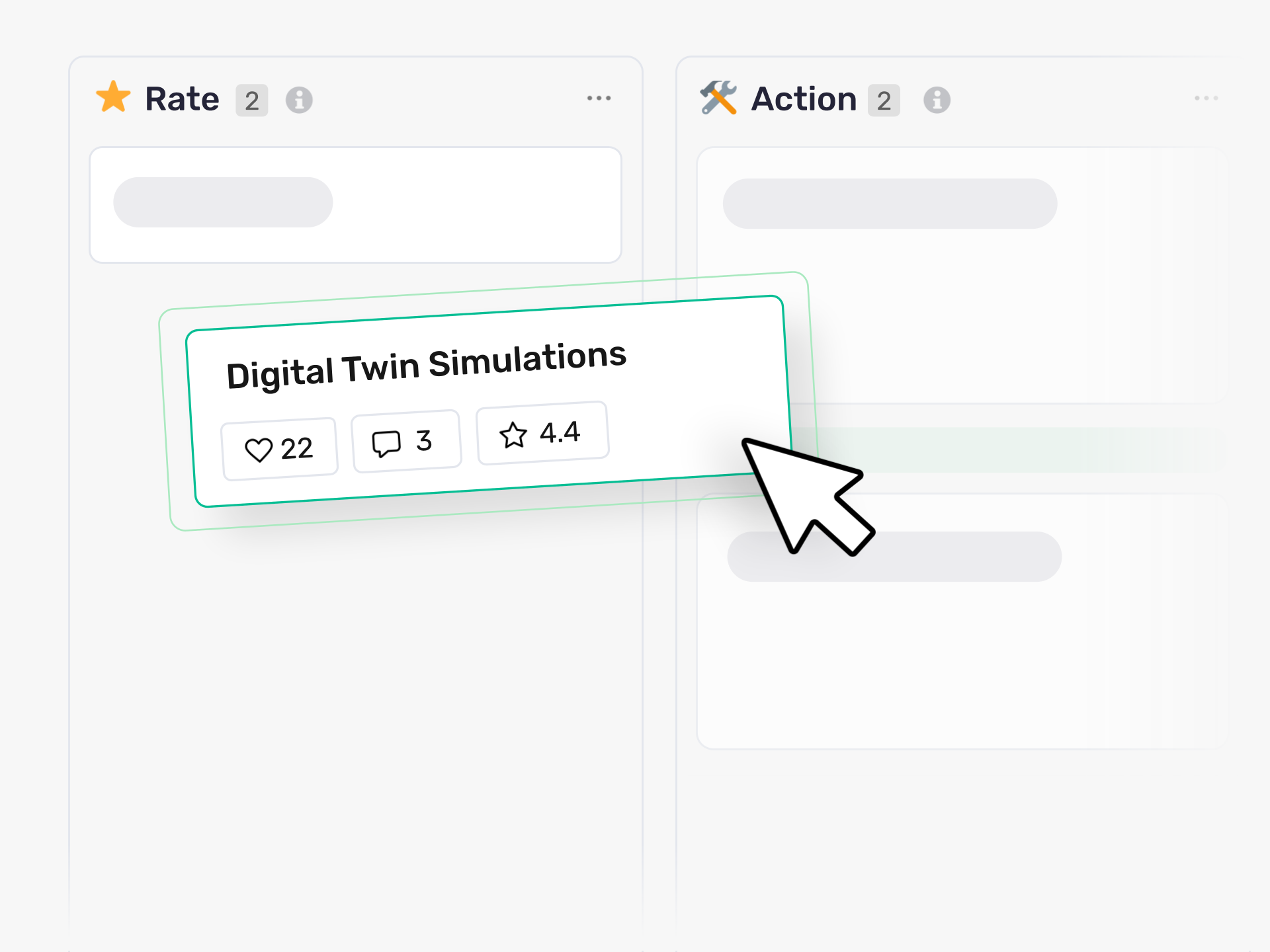
Manage ideas like a pro with easy drag and drop of ideas between phases. As playful and dependable as post-its.
Who Moves Ideas Through Your Process, and How Fast Do They Move?
Your team submits ideas into different categories and collections. Some ideas advance quickly. Others sit in the wrong phase or need reassignment. You need a clear view of where each idea stands and the ability to move it forward without friction.
Ideanote gives you a Kanban-style column view for each idea collection. You see all ideas organized by phase at a glance. Drag an idea from one column to the next to update its status. Move ideas between categories or collections when they've been miscategorized or need to shift focus.
When you drag an idea, a quick action bar appears at the bottom of your screen. You choose to move the idea to a new phase, archive it, mark it complete, or transfer it to another collection. The action happens in one motion.
You control who has the rights to move ideas through stages. Assign permissions based on your governance model. Configure each phase to match your workflow. Set up automation rules if you want ideas to advance based on votes, scores, or time.
When an idea reaches the done stage, you decide what happens next. Export it, integrate it with other tools, or reopen it if circumstances change. Your ideas keep moving, your team stays engaged, and your innovation program produces results.
Does Ideanote Have a Kanban or Column View for Managing Ideas?
Yes. Ideanote gives you a Kanban-style column view inside each idea collection. You see all your ideas organized by phase, and you drag ideas from one column to the next as they progress through your workflow.
The view shows where every idea stands in your process at a glance. You move ideas between phases with drag and drop, the same way you would move cards on a physical board.
Who Has the Authority to Move Ideas Between Phases?
You control who moves ideas through phases by setting permissions for each user. Typically, admins and idea managers have the rights to drag ideas across columns and change their phase.
You decide who gets these permissions when you configure your workspace. This way, you keep governance clear while still making it easy for the right people to manage the workflow.
How Do I Move Ideas Between Different Collections or Categories?
When you drag an idea in the Kanban view, a quick action bar appears at the bottom of the screen. From there, you move the idea to another collection, archive it, or mark it complete in one action.
This means you handle miscategorized ideas or re-route submissions to the right place without leaving the board view. Admins have full control to move ideas between categories and collections as needed.
Does Ideanote Support Automation for Moving Ideas Through Phases?
Yes. You set up automation workflows to move ideas through phases based on conditions you define. For example, you trigger automatic phase changes when an idea reaches a certain score, gets a specific number of votes, or meets other criteria.
This reduces manual work for high-volume workflows while still giving you the option to drag ideas manually when you need to make quick decisions outside the automation rules.
What Happens When an Idea Reaches the Done Stage?
When you mark an idea as complete, you choose what happens next. You archive it, export the details, or hand it off through an integration to another system where your team will implement it.
Completed ideas stay in your records, and you reopen or edit them later if plans change. This gives you a clear end state while keeping your workflow flexible.
How Does Drag and Drop Help Keep Engagement High?
When managing ideas is fast and easy, you actually manage them. Ideas move through your process instead of sitting in limbo, and contributors see their submissions progress to completion.
This feedback loop shows your team and stakeholders that their input leads to real outcomes. When people see ideas move forward and get implemented, they stay engaged and keep contributing.



Smart and Easy Idea Management
Talk to our Experts or try Ideanote for free. No credit card required.

