

Sync Ideas With Project Management Tools and Track ROI
Push ideas to Trello, Asana, GitHub, Smartsheet and more. Sync status and ROI both ways so teams track progress and prove impact.
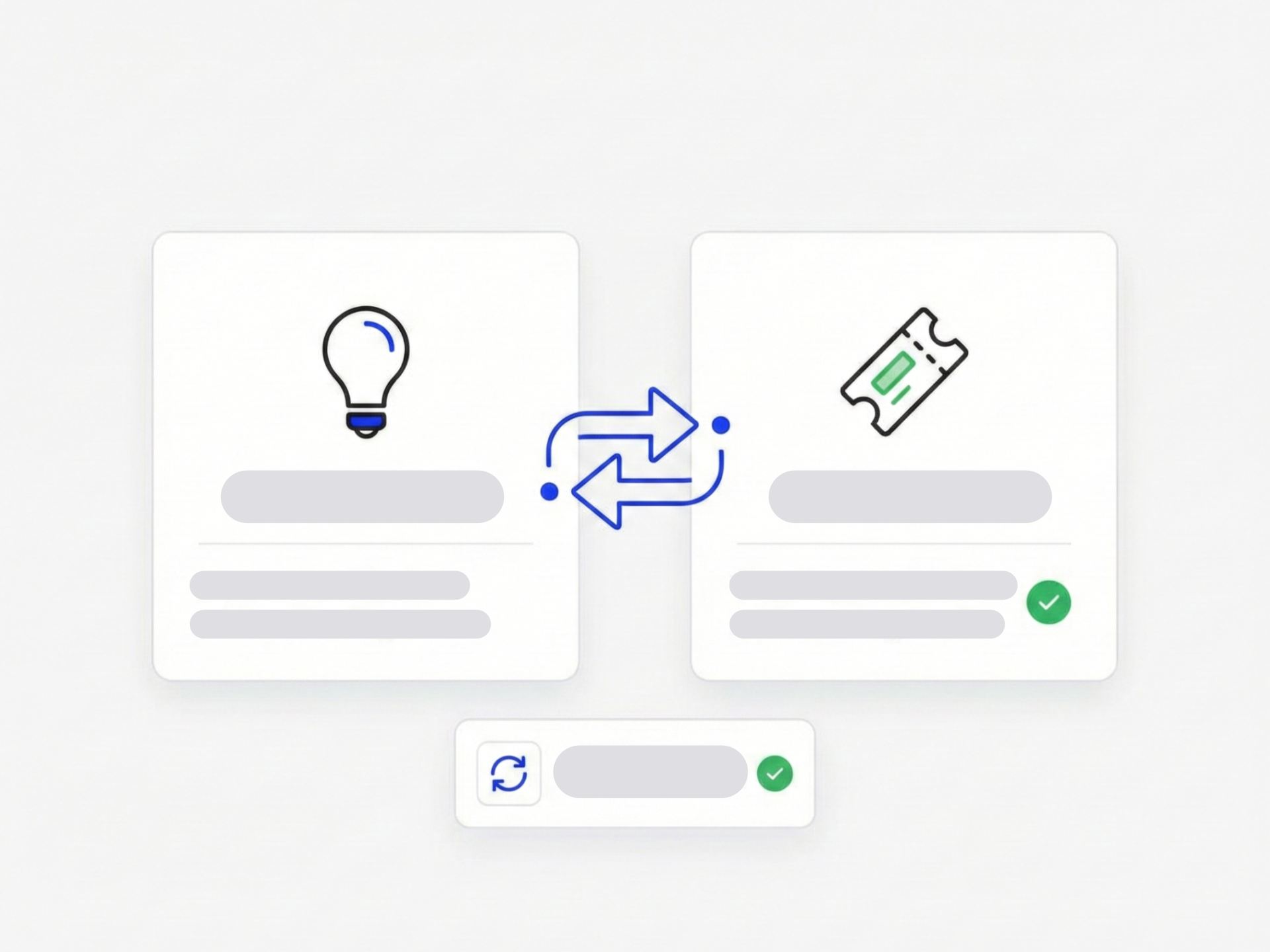
Where Does Ideation End and Execution Begin?
Your team collects and refines ideas in Ideanote. When an idea reaches a stage like 'to-do,' 'completed,' or 'selected,' you need to hand it off to the teams who will build, test, and ship.
Ideanote connects directly to your execution tools. Push ideas to Trello, Asana, Wrike, Zendesk, Intercom, GitHub, SAP, or Smartsheet. Use our API, Zapier, Microsoft Power Automate, or webhooks to move ideas into the backlogs and boards your team already uses.
Two-Way Sync Keeps Everyone Aligned
After you push an idea to your project management tool, Ideanote syncs status updates and ROI data back. When your development team marks work complete in Azure DevOps or updates a card in Jira, that progress flows back into Ideanote. You see the full lifecycle of every idea in one place.
Prove the Impact of Your Innovation Program
Track KPIs and ROI for implemented ideas. Show leadership which initiatives delivered results and where your innovation budget went. Ideanote gives you a complete record from submission through execution and outcome.
Stop managing handoffs in spreadsheets. Connect Ideanote to your project management tools and close the loop between ideation and delivery.
Which Project Management Tools Does Ideanote Integrate With?
Ideanote connects with Trello, Asana, Wrike, Zendesk, Intercom, GitHub, SAP, and Smartsheet. You set up these connections through our API, Zapier, Microsoft Power Automate, or webhooks.
If you use a tool not listed here, the API and webhook options give you the flexibility to build custom integrations with your existing systems.
Do Ideas Sync Both Ways, or Does Ideanote Only Push Data One Direction?
Ideanote syncs data in both directions. When you push an idea to your project management tool, status updates and ROI data flow back into Ideanote.
This means your team sees the full lifecycle of each idea in one place, from submission through execution and impact measurement.
When Does an Idea Move From Ideanote to Our Project Management Tool?
You decide when ideas transfer to your delivery tools. Set up workflow automation so ideas push to your project management system when they reach specific stages, like 'to-do,' 'selected,' or 'completed.'
This automation removes manual work and ensures your team acts on approved ideas right away.
Where Does Ideanote Stop and Project Management Begin?
Ideanote handles idea collection, development, and prioritization. Once your team selects an idea for execution, you move it to your project management tool where your delivery teams manage tasks, resources, and timelines.
The sync keeps both systems connected, so you track an idea from initial submission through final delivery and measure its impact.
How Do We Track ROI and Impact for Ideas After Implementation?
When status and outcome data syncs back from your project management tool, Ideanote captures this information alongside the original idea. You track KPIs and ROI metrics to show which ideas delivered value.
This creates a complete record of your innovation work and gives you the evidence to justify investment in future initiatives.
Does Ideanote Replace Our Project Management Tool?
No. Ideanote focuses on the front end of innovation: collecting, developing, and prioritizing ideas. Your project management tools continue to handle execution, resource planning, and delivery tracking.
The integration bridges these two systems so your innovation process connects directly to your delivery process.


Smart and Easy Idea Management
Talk to our Experts or try Ideanote for free. No credit card required.

