

Are You Rebuilding the Same Workflows Every Time?
Your team launches innovation campaigns, collects ideas for different projects, and runs repeating events. Each time you start a new collection, you rebuild the same structure, forms, and automations from scratch.
Ideanote Templates lets you save any idea collection setup and reuse it across your organization. Once you configure the right idea format, workflow stages, automations, and settings, save it as a template.
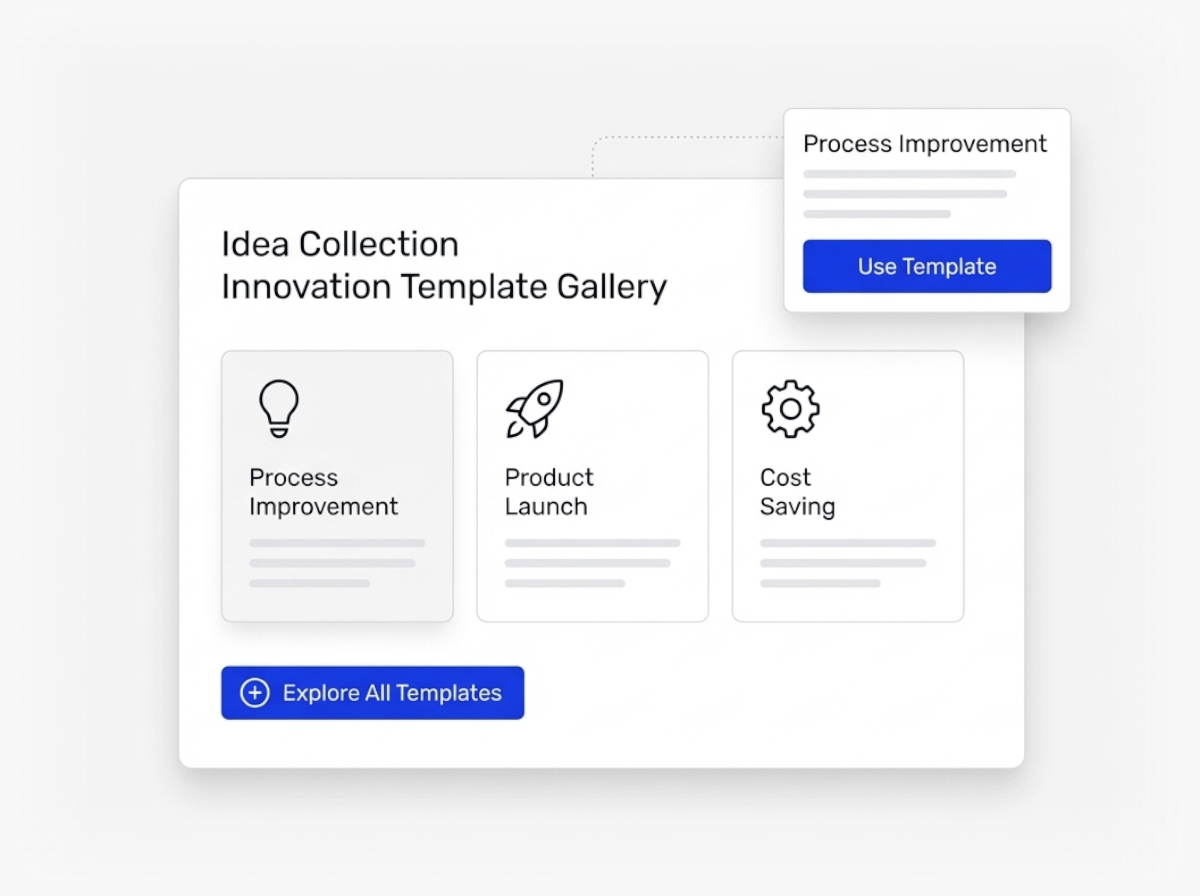
You get three types of templates. Personal templates are yours alone to reuse. Workspace templates let admins and section owners across your team launch new collections from the same approved setup. Community templates give you 100+ ready-to-use collections built from our best practices.
This creates one source of truth for how your organization collects and manages ideas. Your teams work from the same proven blueprint every time. New collections launch faster because admins start from a tested setup instead of building from zero.
You add guidance directly into templates. Write a description, add instructions in a Read Me tab, or leave notes on specific views to explain what happens at each step.
Templates let you run repeatable innovation at scale. Your organization improves how you innovate over time, and every new campaign benefits from what you learned before.
How Do Templates Help Us Scale Our Innovation Programs?
Templates let you save a proven idea collection setup once and reuse it across your organization. You define the process, idea format, automations, and settings one time. Then you or other admins create new collections from that template in one click.
This keeps your data structure consistent across all your innovation initiatives. Your team follows the same best practices every time, which makes your single source of truth easier to manage. As you learn what works, you update your templates so future collections benefit from your experience.
Who Creates and Who Uses Templates in Our Workspace?
You save templates on two levels. Personal templates are yours alone. Workspace templates are available to all admins and section owners in your workspace, which means your entire team works from the same blueprints.
Ideanote also provides 100+ community templates. These are pre-made setups based on best practices. You start collections in one click using these if you want to try different innovation approaches before building your own templates.
Do We Have to Use the Community Templates That Ideanote Provides?
No. You control which templates appear in your workspace. In your security and collaboration settings, you choose to hide the community templates entirely.
This is useful when you want your team to focus only on the workspace templates you have built. You keep full control over which setups your admins see and use.
How Do We Document How to Use a Template so Others Understand the Setup?
You include guidance directly in your template. Add a description that explains the purpose and process. Create a "Read Me" tab with detailed instructions. Place small notices on each view to tell users what to do there.
This means when someone creates a collection from your template, they see all the context they need to run the process correctly. Your team does not need to ask you how things work every time they launch a new initiative.
What Gets Saved When We Turn a Collection Into a Template?
A template saves the full structure of your idea collection. This includes the idea format fields, all automations you configured, the settings you chose, and any views or tabs you set up.
When you or another admin creates a collection from that template, the new collection starts with all these elements already in place. You do not rebuild the structure each time.
Do Templates Work Across Multiple Workspaces or Customer Instances?
Templates you create are saved within the workspace where you make them. Workspace templates are available to admins and section owners in that specific workspace.
If you operate multiple workspaces for different customers or divisions, you set up templates in each workspace separately. Templates do not automatically copy from one workspace to another, so you maintain control over what each workspace uses.
Stop missing ideas across post-its, emails and chats. It's time to launch goal-driven idea collection to customers and employees.


Smart and Easy Idea Management
Talk to our Experts or try Ideanote for free. No credit card required.

