

Shareable Links For Your Idea Collections, Teams, And Workspaces
Invite the right people to a workspace, team, or idea collection. Configure access, phases, and authentication options.
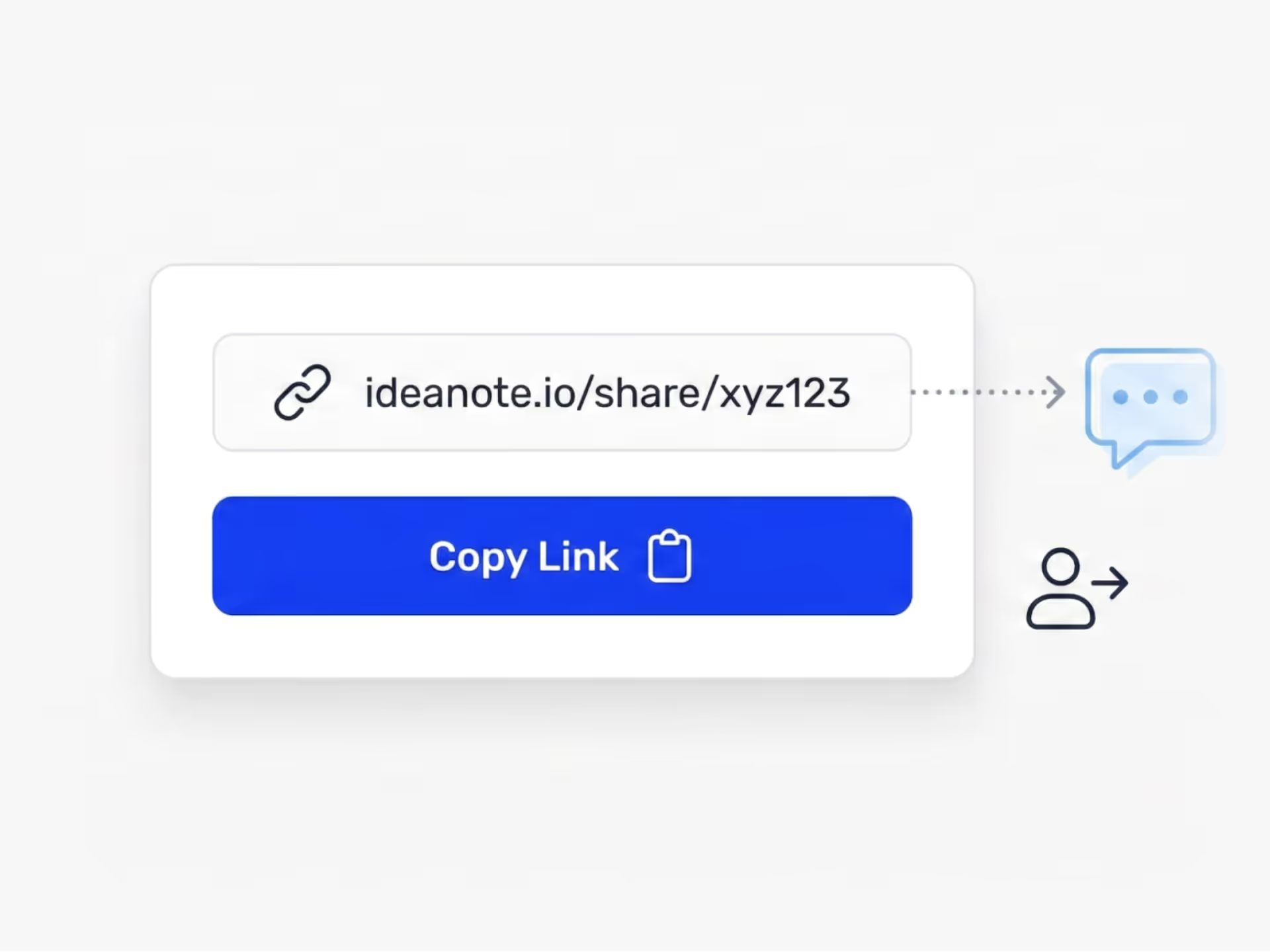
How Do You Bring the Right People Into Your Innovation Work Without Friction?
Shareable links give you control over who enters your workspace, which team space they join, or what specific idea collection they contribute to. You create a link, configure the access level, and send it out. No individual invitations. No email chasing.
Control Where People Land and What They See
Each link targets a specific entry point. Send people directly to a collection for idea submission, or to a workspace for broader participation. You decide the authentication method based on who you're inviting: internal teams, external reviewers, or broader audiences. You also control access by phase. Open up submission early, then restrict to review-only later.
Remove Barriers to Participation
Shareable links work everywhere. Drop them in Slack, email, or your intranet. Turn them into QR codes for events and physical spaces. You decide if people need to sign in or submit ideas anonymously. This matters when you want fast input from frontline staff, workshop attendees, or temporary project contributors. Lower the barriers and participation goes up.
For environments where links create security concerns, you have the option to disable them workspace-wide and enforce stricter access policies.
Ideanote gives you the tools to open up access when you need it and tighten control when you don't.
Who Receives Access to the Workspace, Team, or Collection When I Share a Link?
The link gives access to exactly what you configure. A workspace link gives access to the workspace. A team link gives access to that team. A collection link gives access to that specific collection. You control the entry point and the scope.
You also control the authentication method when you create the link. You choose whether recipients need to sign in with their email, use single sign-on, or participate without creating an account.
How Do I Add People to a Specific Idea Collection Without Giving Them Access to the Entire Workspace?
Create a shareable link directly to the collection. When people follow the link, they land in that collection and only see what you have configured them to see. They do not get access to other collections or workspace areas unless you grant that separately.
Do People Need to Create an Account or Sign in to Submit Ideas Through a Shareable Link?
That depends on how you configure the link. You have the option to allow submissions without sign-up, which means people follow the link and participate immediately. You also have the option to require email authentication or single sign-on if you need to identify contributors or restrict access to known users.
How Do I Revoke a Shareable Link After I Have Distributed It?
You turn off the link in the settings. Once you revoke the link, people who try to follow it no longer get access. This gives you control if the link was shared too broadly or if your initiative has closed.
How Do I Limit Access to Only Specific Phases in a Collection, Like Allowing Submission but Not Review?
When you configure the shareable link, you choose between general access and phase access. Phase access lets you define which phases people see when they follow the link. For example, you open the submission phase to everyone early, then later restrict the link to review phases for a smaller group.
How Do I Embed the Idea Submission Form on an Internal Site Like SharePoint or Our Intranet?
Ideanote supports embedding collection widgets on external pages. You generate the shareable link to the collection, then embed that link or widget code on your SharePoint site, intranet, or public website. People submit ideas directly from the embedded form without leaving your site.
How Do I Run a Time-limited Campaign or Event and Control Who Participates?
Create a shareable link to the collection and choose the authentication method that fits your audience. For internal short-term campaigns, require email or single sign-on. For public events or workshops, allow participation without sign-up. After the event, revoke the link or close the collection to stop new submissions.
What if My Organization Does Not Allow Shareable Links for Security Reasons?
Ideanote includes a workspace-wide setting to disable shareable links entirely. When this control is active, no one in your workspace creates or shares links. This enforces strict security policies and prevents accidental open access.
Stop missing ideas across post-its, emails and chats. It's time to launch goal-driven idea collection to customers and employees.


Smart and Easy Idea Management
Talk to our Experts or try Ideanote for free. No credit card required.

