

Stage-Gate Reviews For Faster, Controlled Idea Decisions
Set approval phases with vote thresholds, assign gate owners, and auto-advance ideas after required votes.
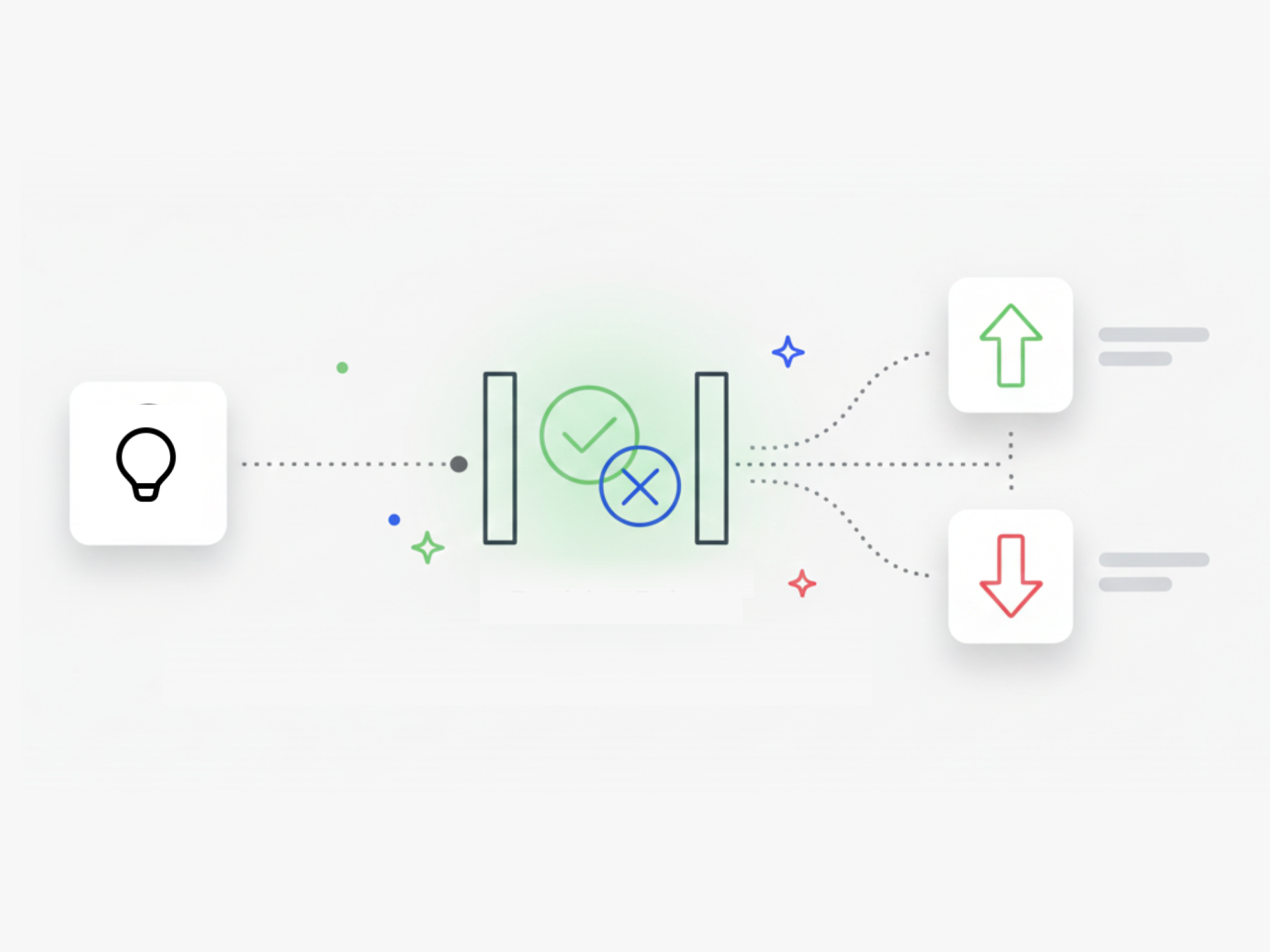
Who Decides When Ideas Move Forward, and How Do You Speed That Up?
Your innovation process needs clear decision points. Stage-Gate Reviews lets you define approval phases where specific people evaluate ideas before they advance.
You set the rules: how many approvers need to vote, what the threshold is for acceptance, and who has the authority to move ideas forward. For example, you define that three senior managers must review each idea, and if two approve, the idea auto-advances to the next phase.
This approach lets you crowdsource decisions across leadership while maintaining control. You assign gate owners per phase, restrict voting to specific roles, and ideas move through your pipeline without manual follow-up.
How Stage-Gate Reviews Work
You create a review phase at any point in your workflow. You define who votes, set the vote threshold, and choose what happens when that threshold is met. Ideas advance or get rejected based on the majority decision.
Reviewers get notified when ideas enter their gate. The system tracks votes and applies your rules. No bottlenecks, no manual tracking.
Match Your Governance Process
You structure your gates around your process: feasibility review, pilot approval, business case validation, or execution go-ahead. Each gate has its own threshold and assigned decision-makers.
Stage-Gate Reviews turns your idea funnel into an automated system where the right people make decisions at the right time, and ideas progress faster.
How Do I Set up a Stage-gate Review in Ideanote?
You create a phase in your workflow and configure it as a stage-gate review. Then you define your threshold: how many people need to vote on each idea before the decision takes effect. For example, you set the threshold at three votes, and once three reviewers have voted, the majority decision moves the idea forward or rejects it.
You choose who has access to vote in this phase. These gate owners review the ideas and cast their votes. The system then acts on the average or majority decision based on your settings.
Who Decides Which Ideas Move Forward at Each Gate?
You control who has permission to vote at each stage-gate review. You assign specific users or teams as reviewers for that phase. Only these designated gate owners have the right to vote on ideas in that review phase.
You configure these permissions per phase, so different stages in your process have different decision-makers. For example, your feasibility gate might involve technical leads, while your business case gate might involve finance and executives.
Do Ideas Need Approval Before They Become Visible to Everyone?
You choose when ideas become public in your workflow. You set up a stage-gate review early in your process where admins or designated reviewers vote on new submissions. Ideas that pass this gate move forward to broader visibility and commenting. Ideas that get rejected stay in that phase or move to a parking lot.
This pre-vetting approach gives you control over which ideas enter the public discussion or evaluation phases. Your governance stays intact while your process moves quickly.
How Do Reviewers Get Notified When Ideas Are Ready for Their Decision?
When an idea enters a stage-gate review phase, Ideanote notifies the assigned gate owners. These notifications tell reviewers that ideas are waiting for their votes. You configure who receives these notifications based on the phase settings.
Reviewers receive reminders if votes are still pending, keeping your process moving. This automated notification system prevents ideas from sitting idle at decision points.
How Do Stage-gate Thresholds Work in Practice?
You set a minimum number of votes required per idea before the system acts on the decision. For example, if you set the threshold at three votes, each idea needs at least three reviewers to vote. Once the threshold is met, Ideanote calculates the majority decision and moves the idea accordingly.
This approach lets you crowdsource decisions across a committee rather than relying on a single gatekeeper. Your process stays democratic while remaining automated and fast.
How Do I Route Ideas to the Right Decision-makers Automatically?
You assign specific users or teams to each stage-gate review phase. When an idea reaches that phase, those assigned gate owners get notified and gain access to vote. You configure these assignments when you set up your workflow stages.
Different phases route to different stakeholders. Your technical feasibility gate might route to engineers, while your business case gate routes to finance and product leaders. Each gate has its own designated owners.
Do I Need Multiple Stage-gates for Different Types of Decisions?
You add as many stage-gate review phases as your governance requires. Most organizations set up gates at key decision points: after initial submission, after feasibility assessment, before pilot, and before full execution. Each gate has its own threshold, reviewers, and acceptance criteria.
You customize these stages to match your existing process. If your organization runs a feasibility review, then a pilot phase, then a business case evaluation, you build those exact stages into your Ideanote workflow. Each stage-gate operates independently with its own rules.


Smart and Easy Idea Management
Talk to our Experts or try Ideanote for free. No credit card required.

