

Whosh. Someone liked your idea.
With Ideanote you don't need to worry about sending updates about ideas. Adjustable notifications inform you and others when it matters.
Who Needs to Know What, and When?
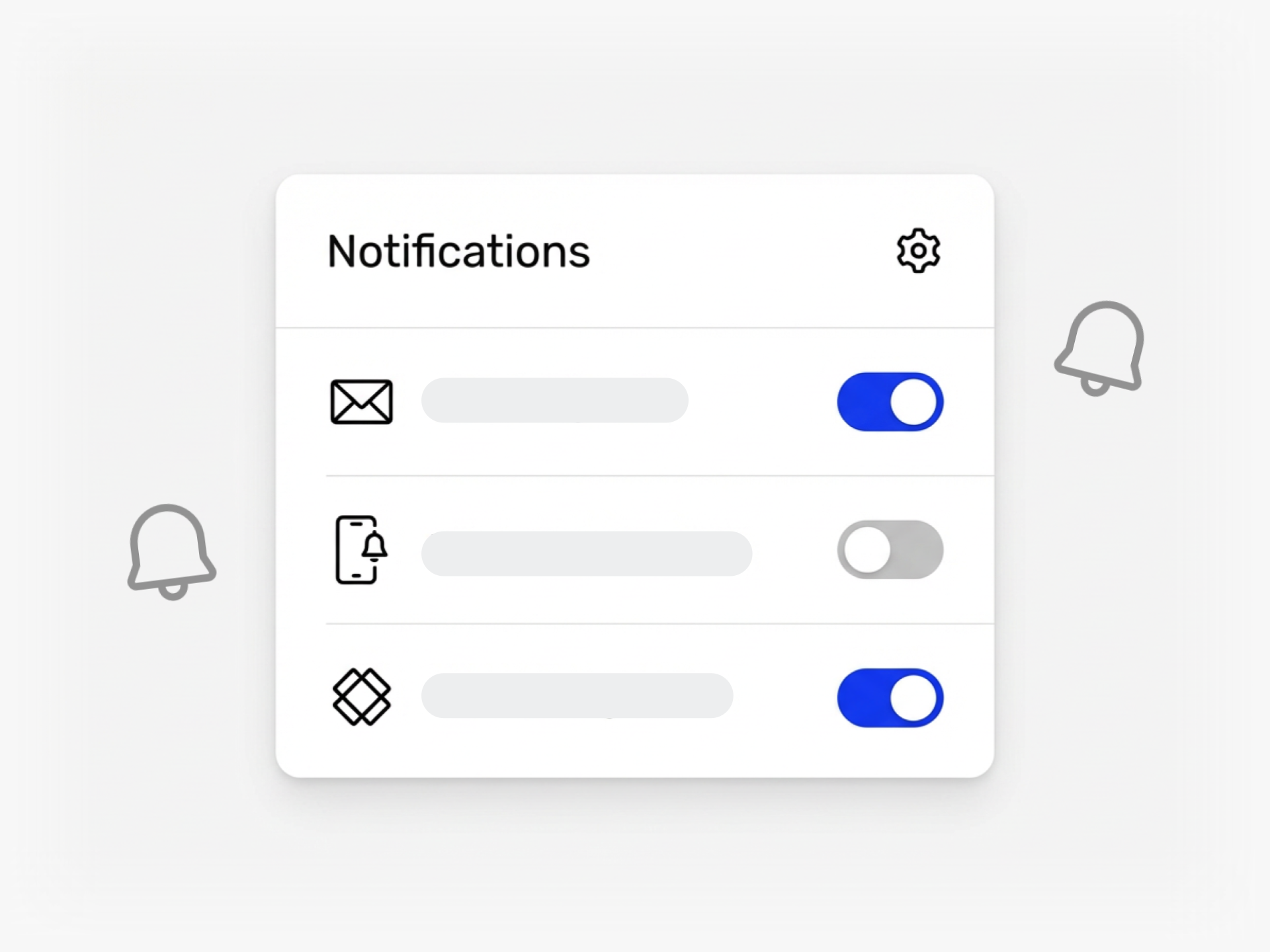
Your team asks how to stop flooding people with emails while making sure the right person hears about an assignment, a phase change, or a rating. Ideanote gives each user control over their own notification settings.
You get alerts for mentions, comments, phase moves, assignments, ratings, and ownership changes. Users choose between in-app notifications, daily digests, or weekly summaries. If someone has not opened the app and a notification waits, Ideanote sends an email digest after the interval they set.
People only receive notifications for activity they have permission to see. If an evaluator panel rates ideas in a hidden phase, the idea owner does not get alerted to scores they cannot view.
As a workspace admin, you set default notification preferences for new users. You choose from presets (standard, fast, slow, focused, or off) or build a custom default. When your settings change, you apply the new defaults to existing users in bulk.
Custom notifications let you batch alerts. If 17 ideas move to a new phase, you send one end-of-day email instead of 17 separate messages. Your team stays informed without inbox overload, and no one needs to check the app constantly to stay on top of their work.
Who Receives Notifications When a New Idea is Submitted?
Notifications go to people based on their role and access. If you own or co-own a collection, you get notified when someone adds an idea. If you follow an idea or collection, you receive updates. Other team members only receive notifications if they have been assigned, tagged, or given access to view the activity.
Ideanote does not send notifications to your entire company by default. You decide who has access to each collection, and only those people receive relevant alerts.
How Do Notifications Work When an Idea Moves Between Phases?
When an idea moves to a new phase, owners and co-owners of the idea receive a notification. If the new phase involves specific evaluators or assigned team members, they also get notified so they know action is required.
You control notification timing through personal settings or workspace defaults. Each user chooses whether to receive alerts immediately, daily, or weekly.
Do People Get Reminders if They Need to Rate or Review an Idea?
Ideanote notifies assigned evaluators and reviewers when an idea reaches their phase. The platform sends alerts for assignments, ratings, and reviews based on individual notification preferences.
You also have the option to set up custom notifications with triggers tied to specific events or deadlines. For example, you can create automated reminders when ideas sit in a phase too long without action.
How Much Control Do Users Have Over Their Notification Settings?
Each user chooses their own notification preferences under account settings. They can turn individual notification types on or off, and they can set how often they receive email summaries: immediately, daily, or weekly.
Ideanote offers presets to make this easier. Users can select standard, fast, slow, focused, or off. Workspace admins can set default notification settings for new users and apply those defaults to existing users through bulk actions.
Can I Customize the Content or Branding of Notification Emails?
Ideanote sends system notifications based on actions like comments, ratings, and phase changes. You can set up custom notifications with your own messaging and triggers for specific workflow events.
Notification emails reflect your workspace branding, including your company logo and colors. This keeps all communication consistent with your organization's identity.
Will Users Receive Notifications About Activities They Cannot See?
No. Users only receive notifications about activities they have permission to view. If an evaluation panel rates ideas in a private phase, submitters and other users without access will not be notified about those ratings.
This keeps notifications relevant and protects confidential parts of your innovation process.
How Does Ideanote Prevent Notification Overload?
Ideanote aggregates notifications into email digests based on user preferences. If someone has not checked the app in a day and has pending notifications, they receive one summary email instead of multiple individual messages.
You can also configure custom notifications to batch updates. For example, if 15 ideas move phases in one day, users receive one email listing all 15 instead of 15 separate emails.
What Types of Events Trigger Notifications in Ideanote?
Ideanote sends notifications for invites to collections, ownership changes, mentions, form updates, status changes, phase moves, reviews, comments, ratings, assignments, form entries, likes, links, comment replies, and activities on content you follow.
Each user decides which of these notification types to enable and how often to receive them. Workspace admins can set recommended defaults, but individuals always control their own settings.
With Ideanote, you can be where your people are and make innovation simple and engaging or everyone.


Smart and Easy Idea Management
Talk to our Experts or try Ideanote for free. No credit card required.

