

A web of ideas.
Explore ideas in a unique visual cluster. Go from link to link and dive deep into ideas you've collected.
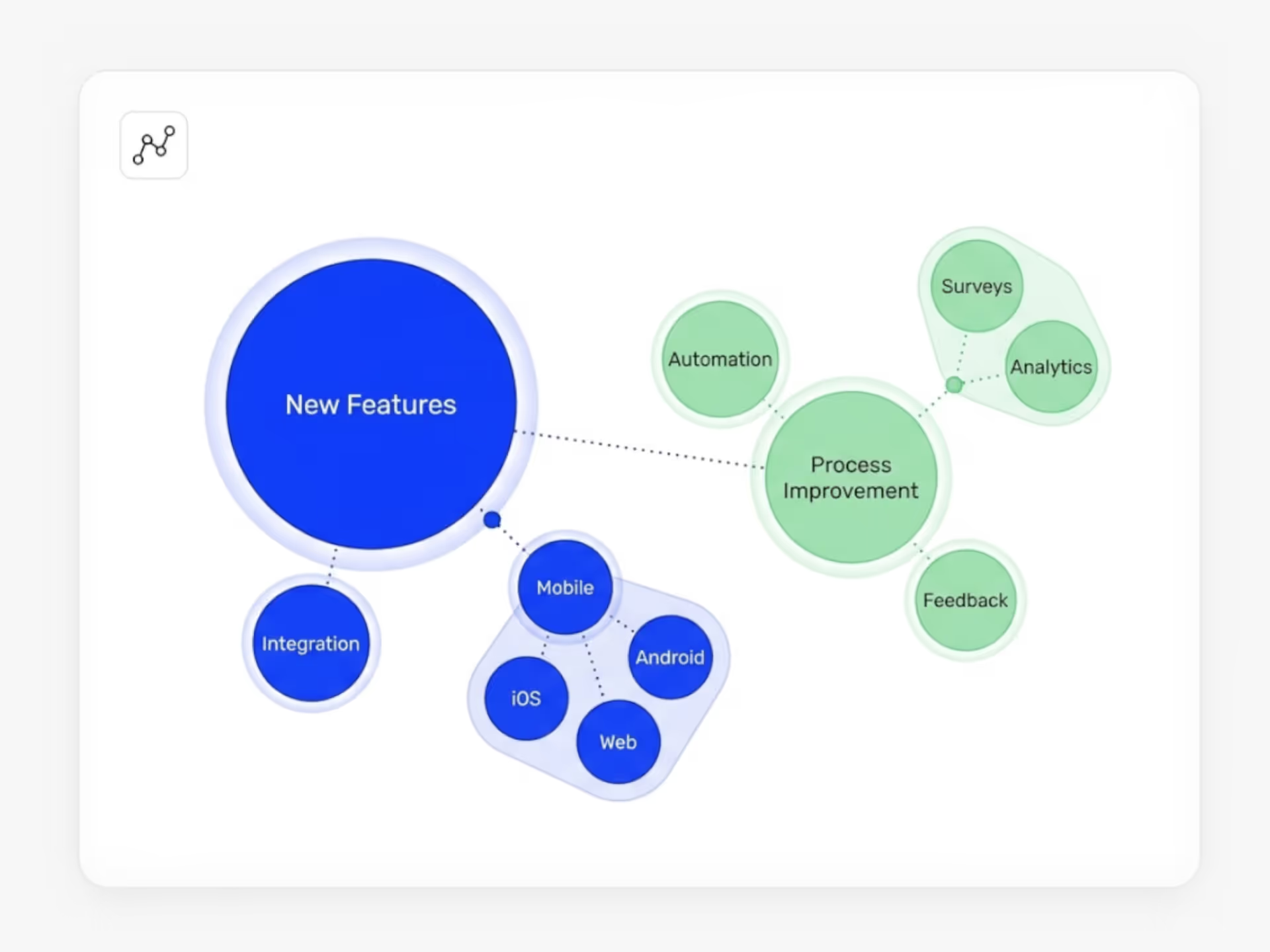
How Do You Spot Trends When Ideas Pour in From Everywhere?
Your team submits dozens or hundreds of ideas. You need to know what topics people care about, where the patterns are, and which themes deserve attention.
Ideanote's AI Topic Analysis reads every submission and identifies the topics inside. When an idea arrives, you set up a Genteq AI workflow automation to analyze the content. The system extracts topics and saves them as tags or descriptions on the idea itself.
You see what themes appear across your entire collection. You track which topics come up again and again. You filter by topic to review all ideas related to a specific area, like customer experience or cost reduction.
What You Get
Automatic topic extraction means you spend less time reading and tagging manually. You route ideas to the right department or stakeholder based on their topics. You identify clusters of similar ideas and decide where to focus resources.
When you review trends over time, you see which themes gain traction and which fade. You prioritize based on what your organization talks about most.
AI Topic Analysis helps you handle high volumes of submissions without losing track of what matters. You move from chaos to clarity.
How Does AI Topic Analysis Identify Themes in My Ideas?
When someone submits an idea in Ideanote, you set up an AI workflow that reads the content and extracts the main topics. The AI looks at the text in the idea and identifies recurring themes, then saves those as tags or descriptions.
This runs automatically on new submissions, so you build a library of tagged ideas without manual sorting. Over time, you see which themes appear most often across all your submissions.
Does the AI Group Similar Ideas Together Automatically?
The AI extracts topics and applies tags based on content, so ideas with the same or similar topics will share tags. You then filter or search by those tags to see related submissions grouped together.
This helps you spot duplicate or overlapping ideas quickly and review submissions by theme rather than one by one.
Can I Use Topic Analysis to Route Ideas to the Right Department?
Yes. Once the AI tags ideas by topic, you use those tags to route submissions. For example, ideas tagged with "product" go to your product team, and ideas tagged with "operations" go to operations.
You set the routing rules inside your Ideanote workflows, and the system handles the rest automatically when ideas arrive.
Can the AI Analyze Ideas Submitted in Different Languages?
The AI topic analysis works with content in multiple languages. It reads the text of an idea regardless of the language and extracts topics accordingly.
This means teams working in different regions or languages still get consistent topic tagging and clustering across all submissions.
How Do I Track Which Topics Are Trending Over Time?
Because the AI tags every idea with its topics, you track the frequency of each tag across your idea collection. You see which topics appear most often in a given period and compare that to earlier periods.
This gives you a view of what your team or organization is focused on and where interest is growing or declining.
What Parts of an Idea Does the AI Analyze for Topics?
The AI looks at the full text content of an idea when extracting topics. This includes the title, description, and any other text fields you collect during submission.
The more detail in an idea, the more context the AI has to identify accurate, specific topics.
Harness the power of artificial intelligence to accelerate the way your business innovates, from ideation to implementation.


Smart and Easy Idea Management
Talk to our Experts or try Ideanote for free. No credit card required.

