

AI Sentiment Analysis For Feedback And Ideas
Sort comments and ideas by sentiment. Spot angry users, flag urgent issues, surface calm constructive ideas, and reduce spam.
How Do You Manage Feedback When Volume Grows and Noise Drowns Out What Matters?
When your team collects hundreds or thousands of comments and ideas, manual review becomes a bottleneck. Complaints, spam, and low-quality submissions pile up. The urgent issues get buried. The calm, thoughtful suggestions go unnoticed.
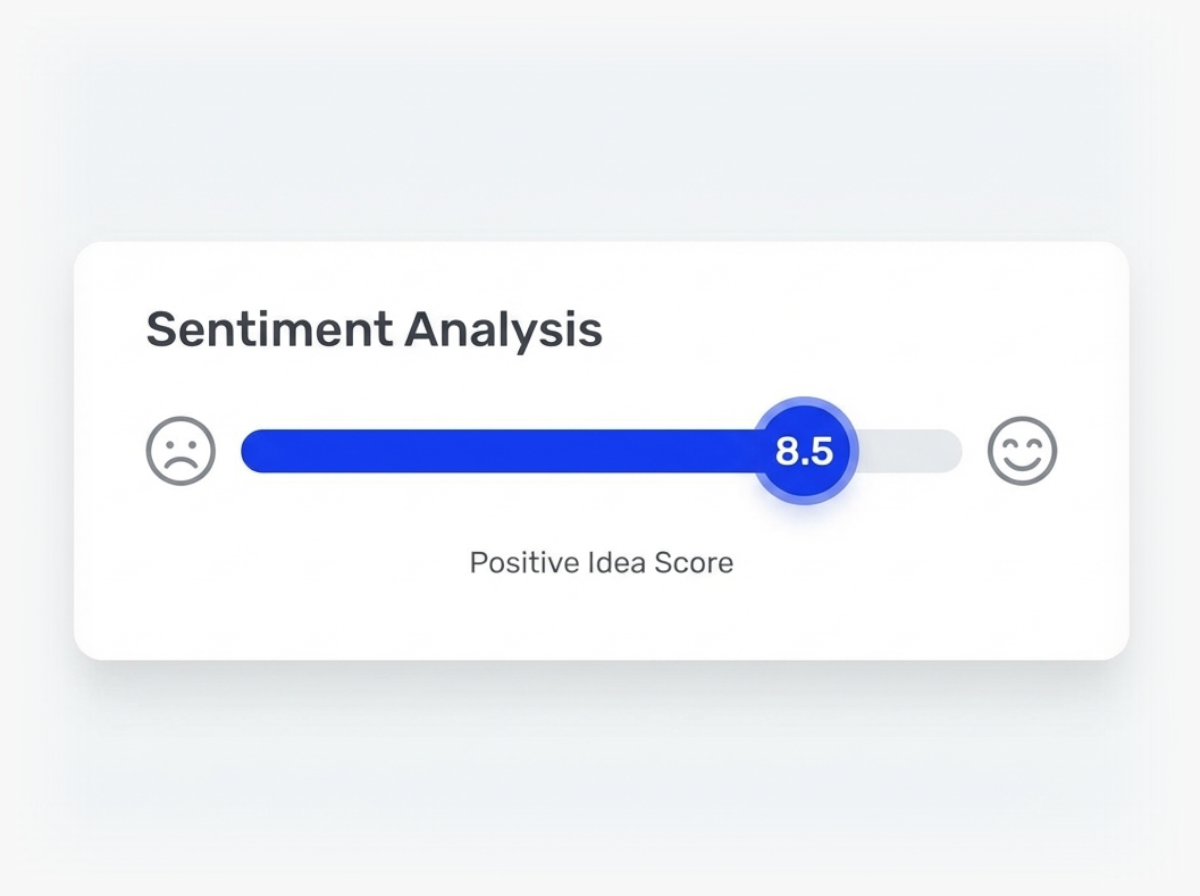
Ideanote applies AI sentiment analysis to your feedback and ideas. The system reads each submission and assigns a sentiment score. You sort by sentiment to see what requires immediate attention.
What You Get
Filter and view ideas by negative, neutral, or positive sentiment. This lets you prioritize error reports and complaints that signal critical problems. Your team sees which topics generate the most negative sentiment among customers, so you address urgent issues first.
At the same time, you surface constructive ideas phrased in a calm tone. These often hold the most useful suggestions for improvement. Combine sentiment sorting with spam filters to reduce noise and make your total feedback volume easier to manage.
Focus on What Deserves Action
Sentiment analysis turns unstructured feedback into sorted, actionable input. You spend less time reading through irrelevant submissions and more time solving real problems. Ideanote helps you keep your idea spaces constructive and your team focused on what moves your organization forward.
How Does Sentiment Analysis Help Me Manage Large Volumes of Feedback?
Sentiment analysis sorts comments and ideas by tone. This lets you filter submissions by negative, neutral, or positive sentiment. You spend less time reading through every comment to find what matters.
When you receive hundreds or thousands of submissions, this sorting saves hours. You immediately see which issues make users angry and which ideas are presented in a calm, constructive way.
Does Sentiment Analysis Work on Both Ideas and Comments?
Yes. The AI analyzes sentiment on both the original idea submissions and all the comments people leave on those ideas. This means you see the emotional tone across entire discussion threads, not only the first post.
Comments often reveal frustration or urgency that the original idea did not capture. Analyzing both layers gives you a complete view of how your team or customers feel about each topic.
How Do I Use Sentiment Analysis to Prioritize Urgent Issues?
You sort by negative sentiment to see which topics generate the most frustration or anger. These submissions often flag errors, blockers, or problems that need immediate attention.
By focusing on high-negative-sentiment feedback first, you address critical issues before they escalate. This approach turns your feedback system into an early warning tool for operational problems.
How Does Sentiment Analysis Help Reduce Spam and Noise?
Spam and off-topic complaints often have distinct sentiment patterns. When you combine sentiment analysis with spam filtering, you reduce the volume of unconstructive submissions that clutter your workspace.
You also surface ideas phrased in a calm and constructive manner. This helps you focus on thoughtful contributions instead of wading through complaint-heavy noise.
Does Sentiment Analysis Tell Me Trends Across Multiple Ideas or Comments?
Sentiment analysis scores each individual idea and comment. You sort and filter by these scores to see patterns. For example, you identify which themes or departments consistently receive negative feedback.
While the feature does not automatically generate trend reports, the sorting and filtering options let you manually spot which topics carry the most negative or positive sentiment over time.
What Happens if Someone Flags an Idea as Spam or Inappropriate?
Sentiment analysis helps you identify submissions with problematic tone, which often overlap with spam or complaints. You still control moderation decisions. The AI provides sorting and filtering, but you decide which submissions to archive or remove.
This gives you a starting point for moderation. You review flagged content faster because the AI has already sorted it by sentiment, so low-quality or off-topic posts are easier to spot.
Harness the power of artificial intelligence to accelerate the way your business innovates, from ideation to implementation.




Smart and Easy Idea Management
Talk to our Experts or try Ideanote for free. No credit card required.

