

Why Your it Team Wants Audit Logs in One Place
When your security team reviews a platform, they need to see activity logs, change records, and user events. They want this data in the same monitoring system they already use for alerts and compliance checks.
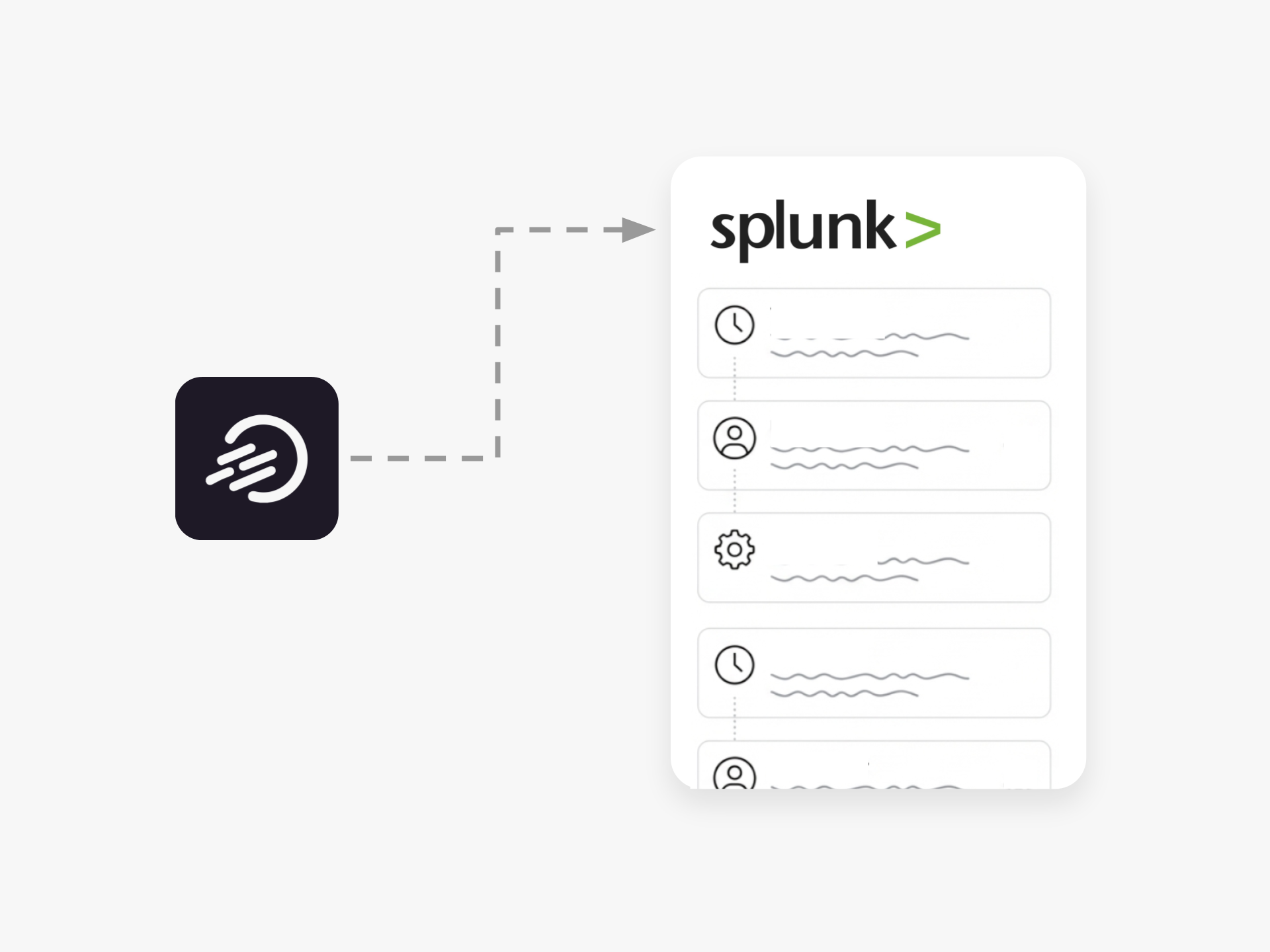
Ideanote sends your complete audit log straight into Splunk. Every idea submission, status change, permission update, and user action flows into your existing security infrastructure. Your team gets the timestamped record they need without switching between tools.
What the Integration Covers
The Splunk integration pipes all Ideanote activity into your central monitoring dashboard. This includes who edited what, when ideas moved between phases, and any permission changes across workspaces.
Your security team sets up detection rules and alert thresholds the same way they do for other enterprise tools. If unusual activity happens, your existing warning systems flag it immediately.
Compliance Reviews Get Simpler
Auditors often ask for change logs and user activity reports. With Ideanote data in Splunk, you pull these reports from one system. Your IT team has full visibility into innovation activity alongside everything else they monitor.
Ideanote fits into your security architecture instead of sitting outside it. Your team maintains control, and compliance reviews require less preparation time.
Does Ideanote Support Integration With Splunk?
Yes. Ideanote sends your audit log directly into Splunk through a native integration. Every activity on your innovation platform is logged and forwarded to your Splunk instance for analysis, alerting, and compliance reporting.
Your security team works with the same centralized monitoring tools they use for the rest of your infrastructure.
What Events and Activities Does Ideanote Log?
Ideanote logs all user actions on the platform, including idea submissions, edits, status changes, phase transitions, and administrative actions. Each log entry includes timestamps, user identifiers, and the specific action taken.
Your audit trail shows who did what and when, giving your security team the visibility they need to detect anomalies and maintain accountability across your innovation processes.
How Does Sending Audit Logs to Splunk Help With Compliance?
Centralized logging in Splunk gives your compliance team a single place to review all platform activity. You maintain a complete, tamper-proof record of changes and user behavior that auditors expect to see.
When your IT or legal team asks for documentation of who accessed what information or made specific changes, your Splunk instance already has that data ready for review and export.
How Do I Set up the Splunk Integration?
Contact your Ideanote account team to enable the Splunk integration. You provide your Splunk endpoint and authentication credentials, and Ideanote begins forwarding audit logs to your instance.
Your security team configures alerts, dashboards, and retention policies in Splunk the same way they do for other systems in your environment.
Does This Integration Affect Platform Performance?
No. Audit logs are sent asynchronously to Splunk, so users experience no delays or interruptions. Your innovation workflows continue at full speed while security data flows into your monitoring infrastructure.
What if Our Security Team Needs to Export Audit Data From Ideanote Directly?
The Splunk integration handles ongoing log forwarding automatically. For one-time exports or custom analysis, Ideanote also provides API access to audit data.
Your team chooses the approach that fits your security workflows, whether through continuous streaming to Splunk or direct API queries for specific investigations.
Integrate Ideanote with your favorite tools to connect your most important business information and move ideas forward with confidence.


Smart and Easy Idea Management
Talk to our Experts or try Ideanote for free. No credit card required.

