

How Do You Keep Idea Data Updated Across Jira, Power BI, Azure DevOps, and Your Other Tools?
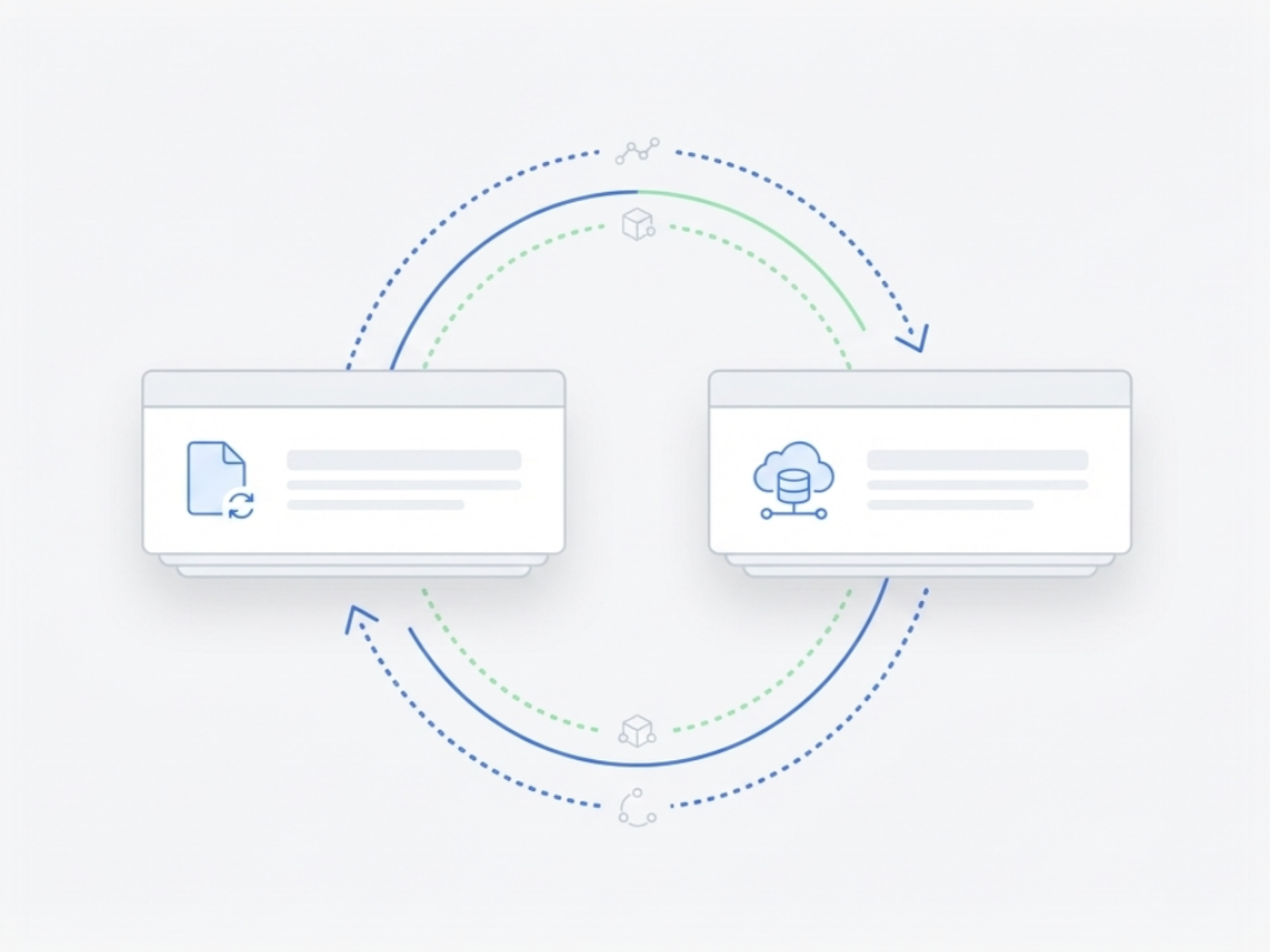
Your ideas start in Ideanote, but they need to flow into the tools where work happens. Use webhooks, the REST API, Zapier, or Microsoft Power Automate to move idea records into Jira, Azure DevOps, ServiceNow, or your project management application when they reach the right workflow stage.
Set up triggers to push idea data when status changes or when you approve an idea for development. The same connection works in reverse. Pull status updates back from your delivery tools into Ideanote so your team sees progress without switching systems.
Need to run analytics or build reports? Export idea data to Power BI, Tableau, or your data warehouse. Connect Ideanote to your analytics stack and keep your dashboards current.
Enrich idea records with information from SAP, Salesforce, or SharePoint. Pull product details, financial data, or organizational metadata into Ideanote so your ideas carry the context you need to evaluate them. Users submit their ideas. Your systems add the rest.
Embed idea submission forms in SharePoint, Teams, or your intranet. Collect input where your people already work.
Build your own connections using the API or choose the no-code route with Zapier or Power Automate. Ideanote fits into your existing tool ecosystem and keeps your idea data synchronized across platforms.
Does Ideanote Offer an API for Custom Integrations?
Yes. Ideanote provides a REST API that lets you build custom integrations with your existing systems. You control how idea data flows between Ideanote and your other tools.
The API gives you programmatic access to ideas, users, collections, and other workspace data. You decide what to sync and when.
How Do Webhooks Work With Ideanote?
Webhooks let you trigger automatic actions when something changes in Ideanote. For example, when an idea gets updated or moves to a new workflow stage, Ideanote sends a webhook to your chosen endpoint.
You set up webhooks to push data to your other systems in real time. This keeps your tools updated without manual exports or imports.
Can I Connect Ideanote to Jira, Azure DevOps, or Other Project Management Tools?
Yes. You connect Ideanote to project management tools through the API, webhooks, Zapier, or Power Automate. This lets you push idea records into Jira, Azure DevOps, or similar systems when ideas reach certain stages.
You define the trigger points and what data to send. Many customers move ideas into their delivery tools once those ideas pass evaluation and get approved for development.
Can Status Updates Flow Back From My Project Management Tool Into Ideanote?
Yes. Ideanote supports bidirectional sync. When your team updates an idea's status in your project management tool, that update comes back into Ideanote through webhooks or the API.
This keeps everyone informed. Idea submitters and stakeholders see progress without switching between systems.
Which Integration Platforms Does Ideanote Work With?
Ideanote works with Zapier and Microsoft Power Automate. These platforms give you no-code options to connect Ideanote with thousands of other tools.
If you already standardize on one of these platforms, you build your integration there without writing custom code.
Can I Export Idea Data to Power BI, Tableau, or Other Analytics Tools?
Yes. You pull idea data into your analytics and reporting systems using the API or by scheduling regular data exports. This feeds your Power BI dashboards, Tableau reports, or other business intelligence tools.
You control which data fields to export and how often to refresh your reports. This gives you the full picture across your innovation portfolio.
Can I Embed the Idea Submission Form in SharePoint or Microsoft Teams?
Yes. You embed Ideanote submission forms and idea views into SharePoint pages, Teams channels, and other internal portals. This meets your users where they already work.
Submissions flow directly into Ideanote while your team stays in their familiar workspace. You set up embeds through simple iframe or integration options.
Can Ideanote Enrich Idea Records With Data From Other Systems?
Yes. Ideanote pulls in additional data from your other systems to enrich idea records. For example, when someone submits an idea about a product, Ideanote fetches product details, IDs, or financial data from your ERP or CRM.
This happens automatically. Your idea submitters enter only what they know, and your systems fill in the rest. This gives evaluators complete information without extra manual work.
Stop innovating like it's 1995. Free up valuable time for your team with automation workflows right inside Ideanote.


Smart and Easy Idea Management
Talk to our Experts or try Ideanote for free. No credit card required.

