

AI Spam Filter for Idea Submissions
Score and auto-filter spammy or low-content idea submissions. Set a threshold to hide irrelevant entries before review.
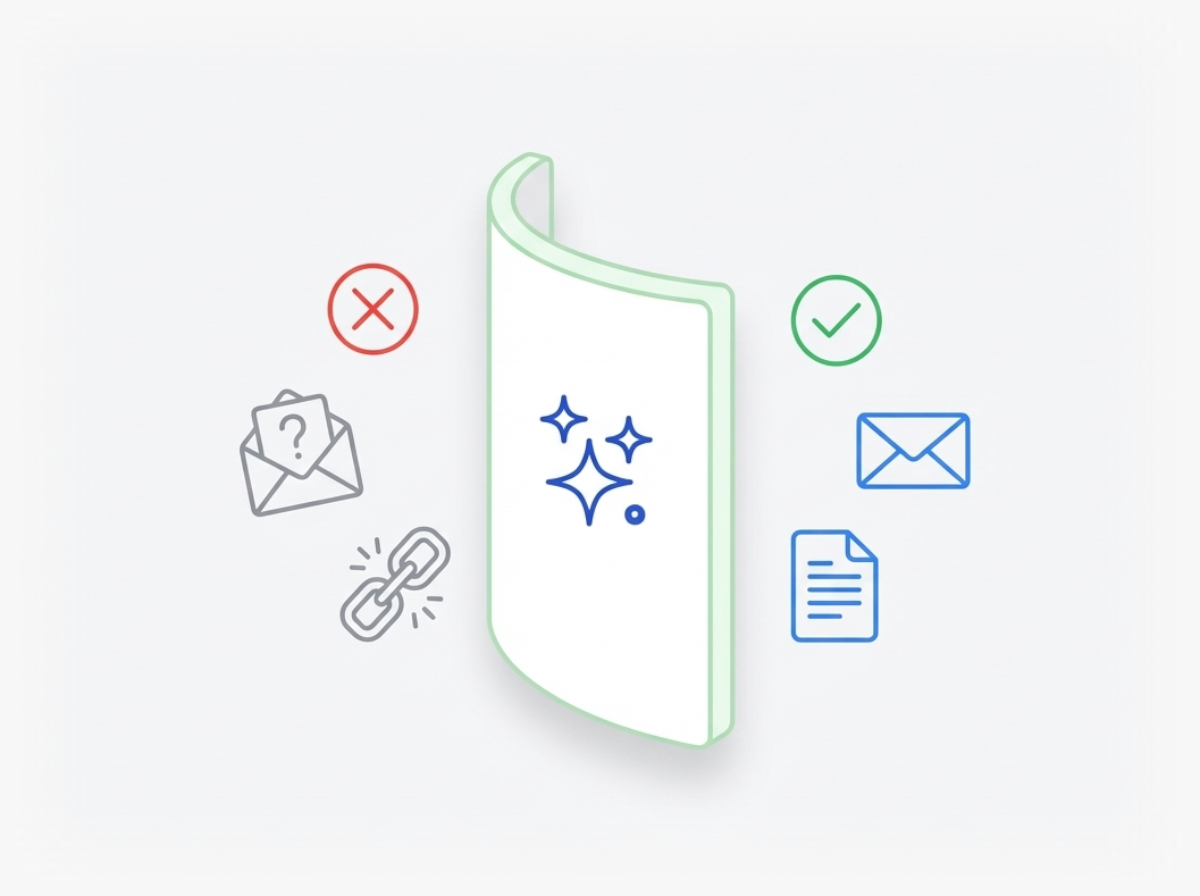
How Do You Stop Low-Quality Ideas From Wasting Your Team's Time?
When you collect ideas from large groups or external crowds, you often get submissions that miss the mark. Some are off-topic. Others lack detail or read like complaints. Your innovation team spends hours sorting through entries that should never have reached them.
Ideanote's AI Spam Filter scores every idea submission on three factors: how spammy the content appears, whether it contains enough substance, and how relevant it is to your focus area. You set the threshold yourself. Ideas that fall below your standard get filtered out before anyone on your team sees them.
This means your reviewers spend time on submissions that deserve attention. No more wading through low-effort entries or dealing with content that derails your innovation process. The filter runs automatically in the background, so quality control happens without adding work to your plate.
For innovation managers running open campaigns or collecting input from hundreds of employees, this feature protects your platform from becoming a suggestion box filled with noise. You maintain high standards without manual moderation. Your team reviews ideas worth developing, and contributors see their thoughtful submissions get the consideration they deserve.
How Does the AI Spam Filter Decide Which Ideas to Flag?
The AI spam filter evaluates each submission based on three criteria: how spammy the content appears, whether the idea has enough substance or comes from a questionable source, and how relevant the submission is to your innovation program. You set the threshold yourself to match your needs.
When an idea scores below your chosen threshold, the system automatically hides it from view. Your team reviews only the submissions that meet your quality standards.
Does This Work When We Collect Ideas From External Crowds or Customers?
Yes. The spam filter addresses the exact situation where you open idea collection to external participants and need quality control. External crowds often include people who submit low-effort, off-topic, or inappropriate content.
The filter runs automatically before anyone on your team sees the submissions. This protects your innovation space and saves your reviewers from spending time on irrelevant entries.
Do We Need to Review Every Flagged Idea Manually?
No. You choose whether flagged ideas are automatically hidden or sent to a separate review queue. Most teams set a threshold and let the system handle obvious spam without manual intervention.
You always have the option to check filtered ideas later if you want to verify the system is working as expected. The goal is to reduce manual cleanup, not create more work.
How Do We Set the Right Threshold for Our Program?
You control the threshold based on how strict you want the filter to be. A lower threshold filters more aggressively and hides more submissions. A higher threshold is more lenient.
Start with a moderate setting and adjust based on what you see. If too many good ideas get filtered, raise the threshold. If too much spam gets through, lower it.
Does the Filter Block Complaints or Off-topic Submissions?
The filter evaluates relevance as one of its criteria. If someone submits a complaint instead of an idea, or posts something unrelated to your innovation program, the system scores it as less relevant.
When the relevance score is too low, the submission gets filtered out. This helps prevent your idea platform from becoming a general complaint box.
What Happens to Ideas That Get Filtered?
Filtered ideas are hidden from your team and other participants. They do not appear in the main idea feed or take up time during review sessions.
You still have access to filtered submissions if you need to check them. They are stored separately so you maintain a complete record without cluttering your active innovation pipeline.
Harness the power of artificial intelligence to accelerate the way your business innovates, from ideation to implementation.


Smart and Easy Idea Management
Talk to our Experts or try Ideanote for free. No credit card required.

