

Automatisez l'innovation avec Zapier
Utilisez Zapier pour connecter Ideanote à plus de 2 000 autres applications. Créez des flux de travail personnalisés. Innovez plus rapidement.
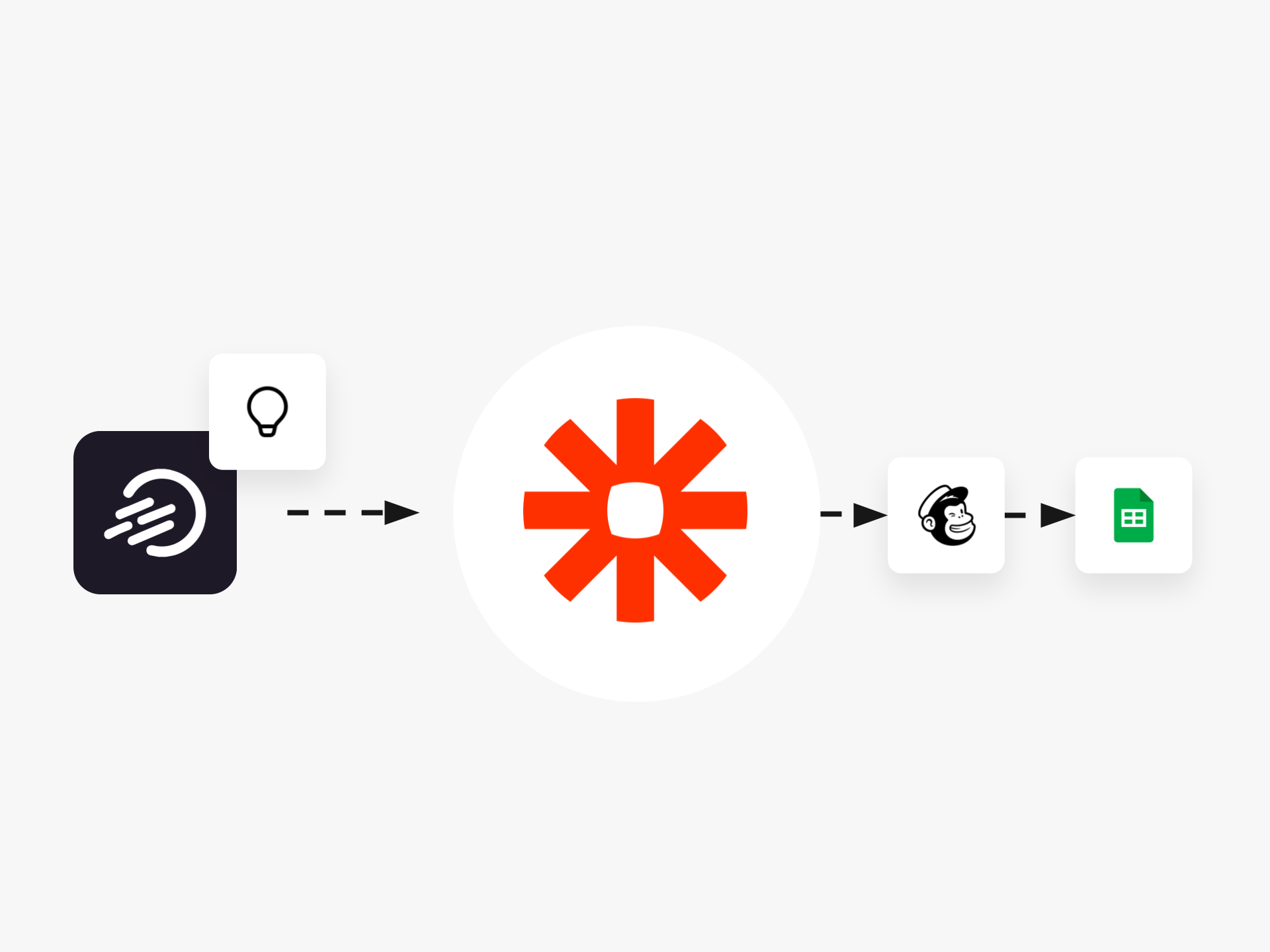
Déplacez les idées de la collecte à l'exécution sans travail manuel
Votre équipe collecte des idées dans Ideanote. Vos développeurs travaillent dans Jira. Votre équipe financière utilise SAP. Votre équipe de vente est sur HubSpot. Le déplacement d'idées entre ces outils implique de copier des données manuellement, ce qui prend du temps et introduit des erreurs.
Ideanote se connecte à Zapier, vous donnant accès à plus de 8 000 applications via l'automatisation sans code. Configurez des flux de travail qui se déclenchent lorsqu'un événement se produit dans Ideanote. Lorsqu'une idée atteint une phase spécifique, créez une tâche dans Asana. Lorsqu'une nouvelle idée est soumise, ajoutez une ligne à Google Sheets. Lorsqu'une idée est approuvée, envoyez un message à votre canal Slack.
Vous choisissez les déclencheurs : nouvelle idée soumise, utilisateur mentionné ou phase d'idée mise à jour. Vous choisissez les actions : créer une idée dans Ideanote, mettre à jour une idée existante ou transférer des données vers vos outils de gestion de projet, plateformes de communication ou systèmes de reporting.
Créez des flux de travail qui connectent Ideanote à Jira, Azure DevOps, Monday.com, Trello, Microsoft Teams, Salesforce et des centaines d'autres outils que votre organisation utilise déjà. Aucune connaissance API requise. Aucun temps de développement nécessaire.
Arrêtez de déplacer les données manuellement. Commencez à consacrer votre temps aux idées elles-mêmes.
Comment Ideanote se connecte-t-il à Zapier ?
Ideanote s'intègre nativement à Zapier, vous donnant accès à des déclencheurs et des actions. Les déclencheurs incluent des événements comme la soumission d'une nouvelle idée, le passage d'une idée à une nouvelle phase, ou la mention d'un utilisateur. Les actions vous permettent de créer de nouvelles idées ou de mettre à jour des idées existantes à partir d'autres applications.
Vous configurez ces connexions via l'interface de Zapier. Aucun codage requis. L'intégration fonctionne avec le générateur d'automatisation standard de Zapier où vous choisissez un événement déclencheur dans une application et une action dans une autre.
Quels outils de gestion de projet fonctionnent avec Ideanote via Zapier ?
Zapier connecte Ideanote à toutes les principales plateformes de gestion de projet, y compris Jira, Azure DevOps, Asana, Trello, Monday.com, ClickUp, Notion et GitHub. Cela signifie que vous gérez la collecte d'idées et l'évaluation dans Ideanote, puis transférez les idées sélectionnées directement dans vos outils de livraison lorsqu'elles atteignent la bonne phase.
Par exemple, lorsqu'une idée passe à votre "Approuvée pour le développement" phase dans Ideanote, Zapier crée un nouveau ticket dans Jira ou Azure DevOps avec tous les détails pertinents. Votre équipe de développement obtient ce dont elle a besoin sans saisie manuelle des données.
Comment réduire le travail manuel lors du déplacement d'idées entre les outils ?
Configurez des automatisations Zapier qui se déclenchent lorsque des événements spécifiques se produisent dans Ideanote. Lorsqu'une idée atteint une certaine phase, Zapier crée automatiquement des tâches dans votre outil de gestion de projet, ajoute des lignes à votre feuille de calcul de suivi, ou envoie des notifications à Slack ou Teams.
Vous définissez les conditions une seule fois. Ensuite, le système gère le transfert de données. Votre équipe se concentre sur l'évaluation des idées et la prise de décisions au lieu de copier des informations entre les applications.
Zapier fonctionne-t-il avec les outils CRM et de Business Intelligence ?
Oui. Zapier connecte Ideanote aux plateformes CRM comme Salesforce et HubSpot, aux outils de feuilles de calcul comme Excel et Google Sheets, et aux systèmes de reporting. Vous synchronisez les données d'idées avec vos outils commerciaux existants pour suivre les métriques d'innovation aux côtés d'autres données de performance.
Par exemple, vous envoyez les soumissions d'idées à une feuille Google pour des rapports personnalisés, ou créez des contacts HubSpot lorsque des utilisateurs spécifiques soumettent des idées. Cela vous aide à connecter les activités d'innovation avec les données client et l'analyse financière.
Que se passe-t-il lorsque je dois renvoyer des données à Ideanote depuis un autre outil ?
Zapier fonctionne dans les deux sens. Vous créez des idées dans Ideanote à partir de soumissions dans d'autres applications comme Google Forms, Typeform ou e-mail. Vous mettez également à jour des idées existantes en fonction d'événements ailleurs, par exemple lorsqu'un ticket Jira se ferme ou lorsqu'une tâche est terminée dans Asana.
Cela maintient votre pipeline d'innovation à jour sans vérifications manuelles de statut. Lorsque votre équipe de développement termine la mise en œuvre d'une idée dans votre outil de gestion de projet, Zapier met à jour l'idée correspondante dans Ideanote pour refléter l'achèvement.
À combien d'applications Zapier se connecte-t-il ?
Zapier se connecte à plus de 8 000 applications. Cela inclut des outils de communication comme Slack et Microsoft Teams, des services de stockage comme Dropbox et OneDrive, des applications de productivité comme Google Workspace et Microsoft 365, et des logiciels d'entreprise spécialisés dans toutes les catégories.
La gamme couvre la gestion de projet, le CRM, l'automatisation du marketing, le support client, l'analyse de données, et plus encore. Si votre organisation utilise un outil basé sur le web, Zapier le supporte probablement.
Ai-je besoin de compétences techniques pour configurer les automatisations Zapier ?
Non. Zapier utilise une interface visuelle sans code. Vous sélectionnez une application et un événement déclencheur, puis choisissez une application d'action et ce que vous souhaitez qu'il se passe. Le générateur vous guide dans le mappage des champs de données entre les deux applications.
Les membres de votre équipe construisent et gèrent leurs propres flux de travail sans impliquer le service informatique. La logique d'automatisation suit une structure simple "quand cela se produit, faites ceci".
Intégrez Ideanote à vos outils préférés pour connecter vos informations commerciales les plus importantes et faire progresser les idées en toute confiance.


Gestion d'idées intelligente et facile
Contactez nos Experts ou essayez Ideanote gratuitement. Aucune carte bancaire requise.

