

@vous - des idées ?
Intégrez les experts et les parties prenantes à la conversation grâce à une identification facile des personnes. Il n'a jamais été aussi simple de collaborer sur des idées.
Qui Devrait Examiner Cette Idée Dès Maintenant ?
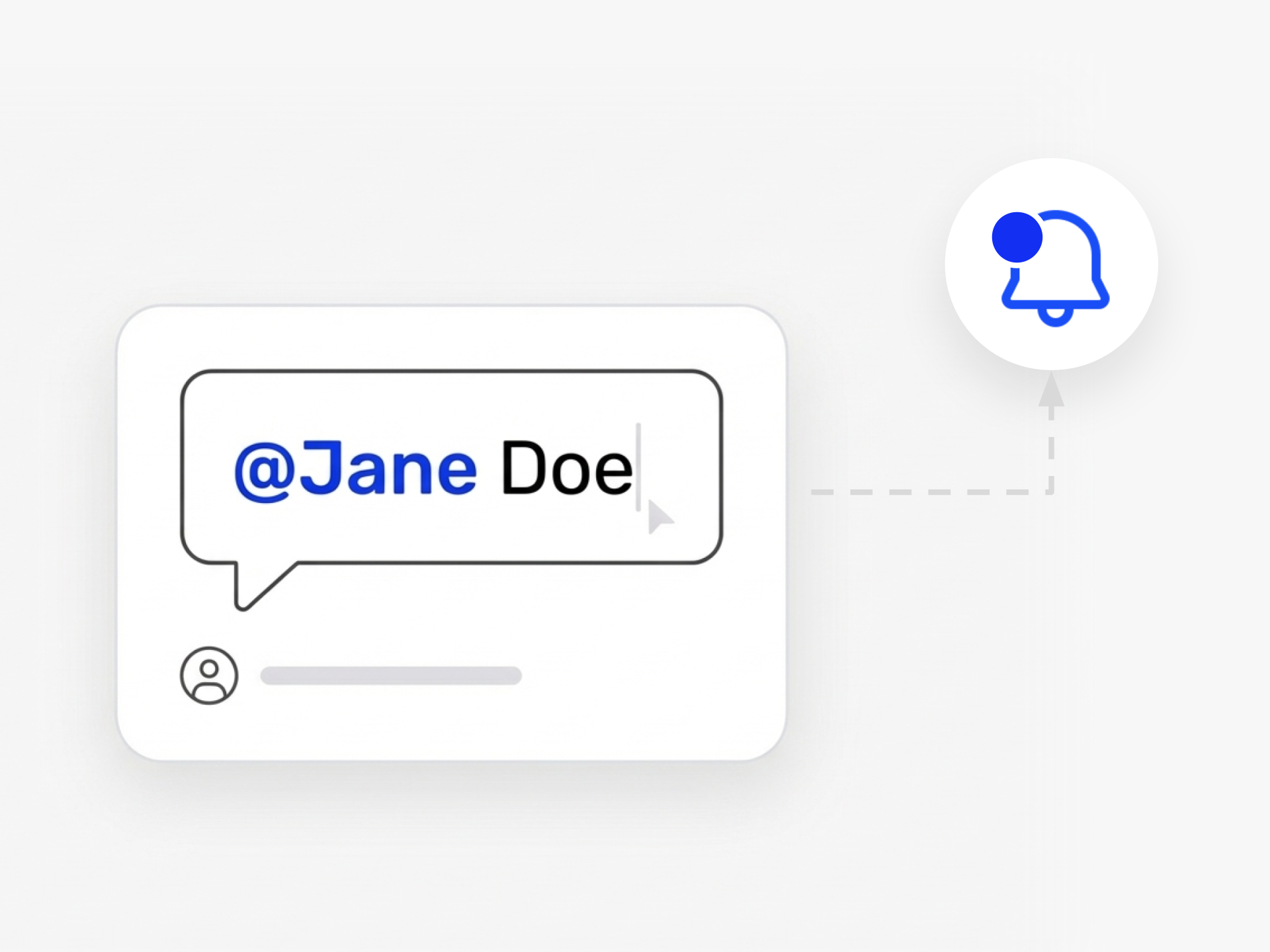
L'innovation progresse rapidement lorsque les bonnes personnes rejoignent la conversation au bon moment. Les @mentions dans Ideanote vous permettent d'identifier directement vos coéquipiers dans les idées, les commentaires et les discussions pour les impliquer précisément quand vous en avez besoin.
Tapez @ et commencez à saisir un nom. La plateforme vous montre toutes les personnes ayant accès à cette collecte d'idées. Sélectionnez la personne que vous souhaitez notifier. Elle reçoit une alerte et voit exactement où vous avez besoin de sa contribution.
Cela fonctionne sur l'ensemble de votre flux de travail d'innovation. Identifiez un expert technique lorsqu'une idée nécessite une validation. Impliquez un chef de département lorsque vous êtes prêt pour l'approbation. Intégrez les parties prenantes lorsqu'il est temps d'avancer.
Propriété Partagée pour les Idées d'Équipe
Quand les idées nécessitent plus d'un propriétaire, vous ajoutez des copropriétaires qui obtiennent un accès complet à l'édition. Plusieurs personnes travaillent ensemble sur la même idée. Tout le monde reste informé. Tout le monde contribue.
Votre organisation possède déjà l'expertise dont vous avez besoin. Les @mentions garantissent que les bonnes personnes voient les bonnes idées au bon moment. Finies les incertitudes sur qui devrait donner son avis. Finies les idées en attente de retours. Identifiez quelqu'un et avancez.
Comment identifier quelqu'un dans une idée ou un commentaire ?
Tapez le symbole @ et commencez à saisir le nom de la personne. Ideanote vous montrera une liste d'utilisateurs que vous pouvez identifier. Sélectionnez la personne que vous souhaitez notifier, et elle recevra une notification.
Vous pouvez identifier des personnes dans les descriptions d'idées, les commentaires et les champs de formulaire. Cela les intègre à la conversation au moment précis où leur contribution est importante.
Puis-je identifier des personnes qui n'ont pas accès à une collecte d'idées spécifique ?
Non. Vous ne pouvez identifier que les utilisateurs qui ont déjà accès à la collecte d'idées où réside l'idée. Si une personne n'a pas la permission de consulter cette collecte, elle n'apparaîtra pas dans la liste des personnes que vous pouvez identifier.
Cela maintient vos contrôles d'accès intacts et garantit que les personnes ne voient que les idées qu'elles sont censées voir.
La personne que j'identifie est-elle avertie ?
Oui. Lorsque vous identifiez quelqu'un avec les @mentions, cette personne reçoit une notification. Cela l'alerte que vous avez besoin de sa contribution, de son expertise ou de son attention sur une idée ou une discussion spécifique.
Les notifications aident les bonnes personnes à répondre au bon moment, afin que les idées ne stagnent pas en attendant les retours.
Puis-je attribuer plusieurs propriétaires à une idée ?
Oui. Vous pouvez ajouter des copropriétaires à une idée. Les copropriétaires ont un accès à l'édition et peuvent collaborer au développement de l'idée ensemble.
Cela soutient le travail en équipe où la responsabilité est partagée et où plusieurs personnes doivent façonner et faire avancer une idée.
Que faire si Ideanote n'affiche pas tous les utilisateurs que je souhaite identifier ?
Ideanote ne peut répertorier que les utilisateurs qu'il connaît. Si vous utilisez l'authentification juste à temps, la plateforme peut ne pas encore disposer de l'annuaire complet des utilisateurs.
Vous pouvez télécharger un fichier CSV d'utilisateurs ou synchroniser votre Active Directory via SCIM pour vous assurer que la liste des utilisateurs reste à jour et complète.
Comment intégrer les bons experts ou managers à une idée au bon moment ?
Utilisez les @mentions pour identifier les personnes lorsque vous avez besoin de leur expertise, de leur approbation ou de leur contribution. Vous pouvez les identifier dans les commentaires à mesure que l'idée progresse à travers différentes phases ou lorsque des questions spécifiques se posent.
Cela garantit que les bonnes parties prenantes sont impliquées à chaque étape, de la soumission à la révision et à la mise en œuvre.
Puis-je voir quelles idées nécessitent mon attention ?
Lorsque quelqu'un vous identifie dans une idée ou un commentaire, vous recevez une notification. Cela vous indique où votre contribution est nécessaire.
Les notifications vous aident à vous concentrer sur les idées qui nécessitent votre révision, votre évaluation ou votre action, afin que rien ne passe inaperçu.
Avec Ideanote, vous pouvez être là où se trouvent vos collaborateurs et rendre l'innovation simple et engageante pour tous.


Gestion d'idées intelligente et facile
Contactez nos Experts ou essayez Ideanote gratuitement. Aucune carte bancaire requise.

