

Webhooks pour la Gestion des Idées et l'Automatisation
Liez votre plateforme d'idées à n'importe quel outil via des webhooks sécurisés. Déclenchez des automatisations et poussez les données d'idées vers des journaux, des outils sans code ou des e-mails.
Comment Faire Passer les Idées de la Collection à l'Exécution ?
La plupart des équipes d'innovation sont confrontées à un fossé entre la collecte d'idées et leur intégration dans les systèmes de livraison. Vos idées résident dans un outil tandis que vos équipes de développement travaillent dans un autre. Les webhooks comblent ce fossé en connectant Ideanote aux outils que vous utilisez déjà.
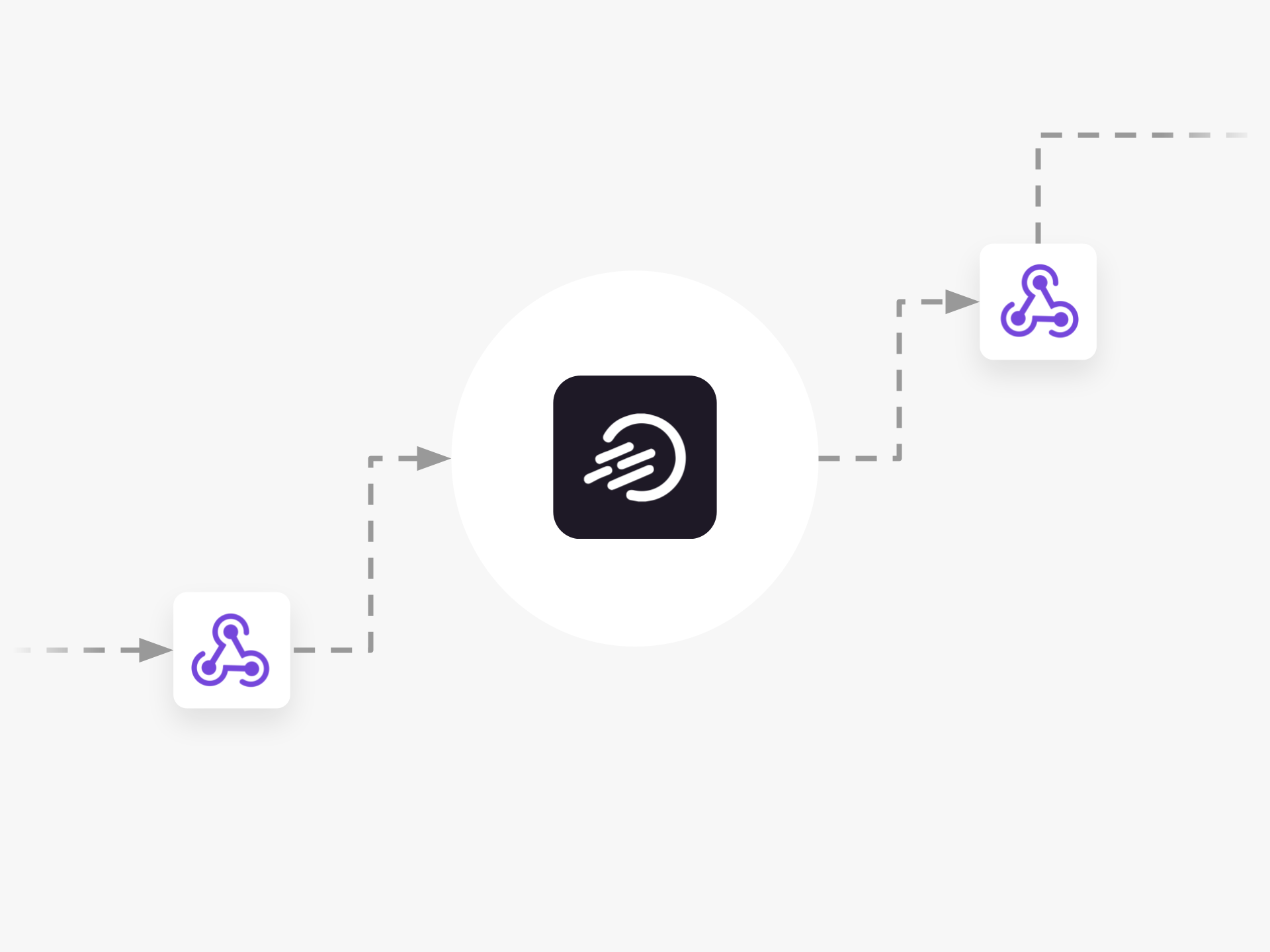
Les webhooks d'Ideanote fonctionnent comme une partie du système d'automatisation de la plateforme. Vous configurez des automatisations qui écoutent les données entrantes via des webhooks ou envoient des données lorsque des événements spécifiques se produisent.
Webhooks Entrants comme Déclencheurs
Vous envoyez des données à Ideanote depuis des sources externes. Par exemple, vous mettez à jour les informations d'une ID d'idée spécifique via un webhook, ce qui déclenche ensuite une automatisation au sein d'Ideanote. Ou vous importez des idées depuis un flux RSS directement dans votre espace de travail.
Webhooks Sortants comme Actions
Vous poussez les données d'idée lorsque des événements se produisent dans Ideanote. Envoyez les données des utilisateurs nouvellement créés à vos systèmes internes. Poussez les idées qui atteignent une étape de flux de travail spécifique vers vos outils de gestion de projet. Acheminez les données vers des plateformes sans code, envoyez des e-mails via votre fournisseur, ou enregistrez les événements pour la conformité et le reporting.
Les webhooks vous permettent de connecter Ideanote à Jira, Azure DevOps, Power BI, aux outils de communication, ou à tout système acceptant les appels webhook standard. Vous construisez les flux de travail dont votre organisation a besoin sans ingénierie personnalisée pour chaque connexion.
Comment les webhooks aident-ils à connecter Ideanote à d'autres outils de mon organisation ?
Les webhooks agissent comme un pont de données entre Ideanote et vos autres systèmes. Lorsqu'un événement se produit dans Ideanote (comme une idée atteignant une certaine étape), les webhooks envoient automatiquement cette information à un autre outil. Cela vous permet de pousser des idées vers des plateformes de gestion de projet, d'envoyer des données à des systèmes d'analyse ou de déclencher des notifications dans les canaux de communication.
Vous configurez les webhooks via le système d'automatisation d'Ideanote. Choisissez l'événement qui déclenche le webhook (tel qu'une nouvelle soumission d'idée ou un changement de phase), puis spécifiez où envoyer les données. Le système récepteur traite cette information selon votre configuration.
Puis-je automatiser le transfert d'idées vers Jira ou Azure DevOps lorsqu'elles atteignent une certaine étape ?
Oui. Vous configurez une automatisation dans Ideanote qui surveille les idées atteignant une étape de flux de travail spécifique. Lorsqu'une idée atteint cette étape, l'automatisation envoie les données de l'idée via un webhook à votre outil de gestion de projet.
Cela fonctionne pour Jira, Azure DevOps ou tout système qui accepte les données webhook. Les détails de l'idée sont transférés automatiquement, de sorte que votre équipe de développement voit les informations dont elle a besoin sans copie manuelle.
Les mises à jour de statut des outils de développement peuvent-elles être réintégrées dans Ideanote ?
Ideanote reçoit des données via des webhooks entrants. Votre outil de développement envoie des mises à jour au point de terminaison webhook d'Ideanote, et une automatisation met à jour l'idée correspondante en fonction de ces données entrantes.
Vous devez configurer votre outil externe pour qu'il envoie les changements de statut à l'URL webhook d'Ideanote. Lorsqu'Ideanote reçoit ces données, votre automatisation applique la mise à jour à l'idée correcte en utilisant l'ID de l'idée.
Que deviennent les données lorsque je les envoie via un webhook ?
Le webhook envoie des données structurées sur l'idée ou l'événement à l'URL que vous spécifiez. Cela inclut des champs tels que le titre de l'idée, la description, la phase, les scores, les champs personnalisés et les horodatages. Le système récepteur lit ces données et les traite selon votre configuration.
Vous contrôlez quelles données sont envoyées et où elles vont. Les destinations courantes incluent les plateformes sans code comme Zapier ou Make, les systèmes de journalisation internes, les services de messagerie comme Mailchimp ou vos propres applications personnalisées.
Puis-je exporter des données analytiques ou toutes les idées vers Power BI ou des feuilles de calcul à l'aide de webhooks ?
Les webhooks envoient des données lorsque des événements spécifiques se produisent, comme une nouvelle soumission d'idée ou un changement de phase. Pour les exportations en masse de données existantes ou les tableaux de bord analytiques, Ideanote offre des fonctionnalités d'exportation directe et un accès API. Ces outils gèrent de grands ensembles de données plus efficacement que les webhooks.
Vous utilisez les webhooks pour diffuser en continu de nouvelles données d'idée vers un système de journalisation ou une base de données au fur et à mesure que les idées arrivent. À partir de là, vos outils d'analyse extraient les données accumulées pour le reporting.
Ai-je besoin de connaissances techniques pour configurer les webhooks ?
Vous devez connaître l'URL webhook de l'outil auquel vous souhaitez vous connecter. De nombreuses plateformes sans code comme Zapier, Make ou n8n fournissent cette URL dans leur interface. Vous copiez cette URL dans les paramètres d'automatisation d'Ideanote.
Pour les webhooks entrants qui poussent des données dans Ideanote, vous devez configurer votre outil externe pour qu'il envoie des données à l'URL webhook fournie par Ideanote. La plupart des outils modernes incluent une documentation sur la façon de configurer les webhooks sortants. Si vous travaillez avec des systèmes internes personnalisés, votre équipe technique gère la configuration.
Puis-je envoyer des notifications ou des rapports automatisés aux parties prenantes à l'aide de webhooks ?
Oui. Lorsqu'une automatisation se déclenche dans Ideanote, le webhook envoie des données à un service de messagerie comme Mailchimp ou à une plateforme de communication. Vous définissez les événements qui déclenchent ces notifications (tels que des idées atteignant un certain score ou une certaine phase).
Pour les rapports planifiés, vous combinez les webhooks avec des outils de planification externes. L'outil déclenche le webhook entrant d'Ideanote à intervalles définis, ce qui active une automatisation qui compile et envoie les données du rapport à la destination choisie.
Intégrez Ideanote à vos outils préférés pour connecter vos informations commerciales les plus importantes et faire progresser les idées en toute confiance.


Gestion d'idées intelligente et facile
Contactez nos Experts ou essayez Ideanote gratuitement. Aucune carte bancaire requise.

