

التقط الأفكار الأولية بسرعة، أثرها لاحقًا بالذكاء الاصطناعي
احفظ مسودات الأفكار الأولية فورًا في ملفك الشخصي. حررها لاحقًا على أي جهاز. عندما تكون جاهزة، يطابق الذكاء الاصطناعي الفكرة ويملأ حقول النموذج المطلوبة.
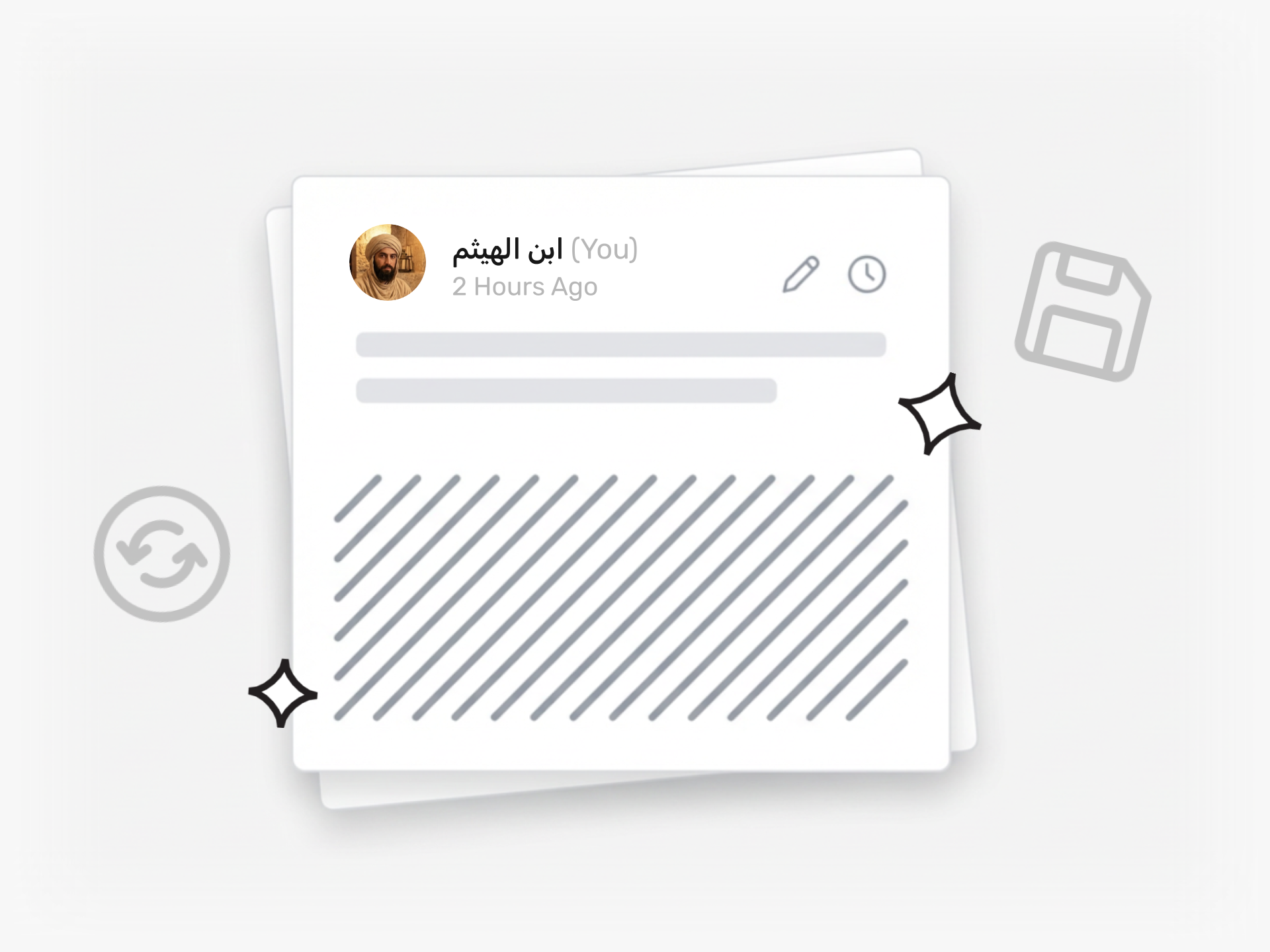
ماذا لو فقد فريقك فكرة لأن تقديمها بدا معقدًا للغاية؟
عندما يكون لدى الموظفين فكرة تستحق المشاركة، فإنهم يحتاجون إلى تدوينها قبل أن ينسوا. إذا طلب نموذج التقديم الخاص بك خمسة حقول ومرفقين، فإن نصف هذه الأفكار لا يتم التقاطها أبدًا. تمر اللحظة. تختفي الفكرة.
تزيل المسودات السريعة كل حاجز. ينقر فريقك على 'إرسال فكرة' من أي مكان في Ideanote ويكتب فكرته الأولية في حقل نصي بسيط. لا نموذج. لا حقول إلزامية. يحفظون المسودة في ملفهم الشخصي ويغلقون التطبيق. انتهى الأمر.
تتزامن المسودة عبر كل جهاز. يحرر موظفوك ويضيفون تفاصيل كلما كان لديهم وقت. عندما تكون الفكرة جاهزة، ينقرون على 'تحويل إلى فكرة'. يقرأ الذكاء الاصطناعي المحتوى، ويقترح أفضل مجموعة أو تحدي لتقديمها إليه، ويملأ حقول النموذج لهم. إذا اختار الذكاء الاصطناعي المجموعة الخاطئة، فإنهم يختارون واحدة مختلفة.
تحصل على أفكار كاملة ومنظمة من فريقك دون مطالبتهم بملء النماذج قبل أن يكونوا مستعدين. تعمل المسودات السريعة كأداة التقاط مستقلة وداخل مجموعات الأفكار النشطة. الموظفون الذين يبدأون تقديمًا ويغادرون في منتصف النموذج يجدون عملهم محفوظًا عند عودتهم.
تصبح Ideanote المكان الذي يثق به موظفوك لاحتضان أفكارهم حتى يصبحوا مستعدين لمشاركتها.
ما مدى سرعة تقديم شخص ما لفكرة باستخدام المسودات السريعة؟
ينقر فريقك على 'إرسال فكرة'، ويكتب أفكاره الأولية في حقل نصي منسق واحد، ويحفظ المسودة. لا تتطلب حقول نموذج. تستغرق العملية برمتها ثوانٍ.
يتم حفظ المسودات في ملف تعريف المستخدم وتتزامن عبر الأجهزة. يعودون لاحقًا للتعديل وتحويل المسودة إلى فكرة كاملة عندما تكون جاهزة.
هل يحتاج الأشخاص إلى تسجيل الدخول لحفظ مسودة سريعة؟
نعم، يقوم المستخدمون بتسجيل الدخول لحفظ المسودات في ملفهم الشخصي. يضمن هذا بقاء مسوداتهم خاصة، وتتزامن عبر الأجهزة، وتظل قابلة للوصول حتى يقرروا تقديمها.
لعمليات التقديم المجهولة أو للضيوف حيث لا يلزم تسجيل الدخول، يمكنك إعداد نموذج بسيط لجمع الأفكار بدلاً من ذلك. تعمل المسودات السريعة بشكل أفضل لأعضاء الفريق المسجلين الذين يرغبون في مساحة خاصة لتطوير الأفكار بمرور الوقت.
كيف يقرر الذكاء الاصطناعي أي مجموعة أفكار تنتمي إليها المسودة؟
عندما ينقر المستخدم على 'تحويل إلى فكرة'، يقرأ الذكاء الاصطناعي محتوى المسودة ويطابقها مع مجموعة الأفكار المفتوحة الأكثر صلة بناءً على وصف المجموعة وأسئلتها ومنطقة التركيز. يرى المستخدم اقتراح الذكاء الاصطناعي ويختار قبوله أو اختيار مجموعة مختلفة.
يوفر هذا على فريقك عناء اتخاذ القرار يدويًا إلى أين يجب أن تذهب كل فكرة ويضمن وصول الأفكار إلى المسار الصحيح أو القسم المناسب.
كيف يملأ الذكاء الاصطناعي حقول النموذج من نص المسودة؟
يقرأ الذكاء الاصطناعي المسودة ويستخرج المعلومات الأساسية لملء الحقول المطلوبة في مجموعة الأفكار المستهدفة. على سبيل المثال، إذا طلبت المجموعة بيان مشكلة وفوائد وجمهورًا مستهدفًا، يسحب الذكاء الاصطناعي تلك العناصر من نص المسودة ويملأ الحقول المقابلة.
يراجع المستخدم النموذج المملوء تلقائيًا قبل التقديم ويعدل أي حقل حسب الحاجة. يحول هذا الملاحظات الأولية إلى مدخلات منظمة دون إعادة الكتابة يدويًا.
هل تعمل المسودات عند التقديم إلى مجموعة أفكار موجودة؟
نعم. عندما يبدأ شخص ما تقديم فكرة في مجموعة معينة، يكون لديه خيار حفظ مسودة بدلاً من إكمال النموذج على الفور. يعودون لاحقًا للإنهاء والتقديم.
يعمل هذا جيدًا عندما تتطلب الفكرة مدخلات من عدة أشخاص أو عندما يحتاج المقدم إلى جمع المزيد من التفاصيل قبل ملء الحقول المطلوبة.
أين تُحفظ المسودات السريعة ومن يراها؟
تُحفظ المسودات في الملف الشخصي للمستخدم وتظل خاصة حتى يحولها المستخدم إلى أفكار مقدمة. لا يرى أحد آخر في فريقك المسودات.
بمجرد أن يقدم المستخدم الفكرة إلى مجموعة، فإنها تتبع قواعد الرؤية والتوجيه الخاصة بمساحة عملك. يرى مديرو الأفكار وأصحاب المصلحة المعنيون الفكرة بناءً على أذونات المجموعة.
هل توصي بإبقاء التقديم الأولي بسيطًا أم بإضافة المزيد من الحقول مقدمًا؟
ابدأ بعدد أقل من الحقول المطلوبة في مجموعاتك. تعمل المسودات السريعة بشكل أفضل عندما يكون الالتقاط الأولي سريعًا وبأقل احتكاك. أضف التفاصيل لاحقًا في العملية، أثناء مراحل التقييم أو التطوير.
يمكنك إضافة حقول مخصصة في مراحل سير العمل المختلفة، حتى تنتقل الأفكار من الإدخال البسيط إلى التقييم التفصيلي دون إرباك المساهمين في البداية.
توقف عن فقدان الأفكار عبر القصاصات، الرسائل الإلكترونية والدردشات. حان الوقت لإطلاق جمع الأفكار الموجهة بالأهداف للعملاء والموظفين.


إدارة الأفكار الذكية والسهلة
تحدث إلى خبرائنا أو جرب آيديا نوت مجانًا. لا داعي لبطاقة ائتمان.

