

Let People Send their Ideas via Email
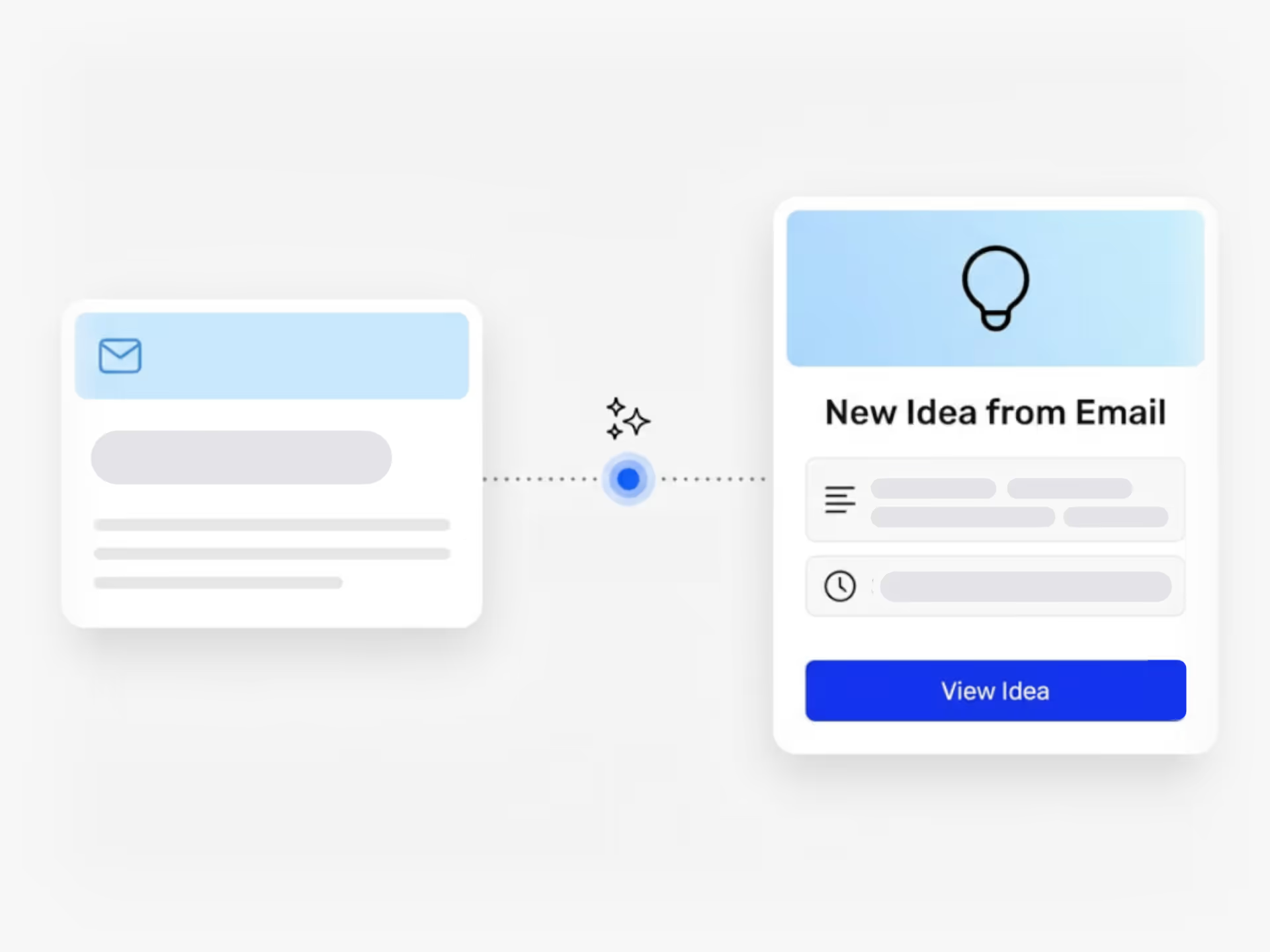
Give each idea collection a dedicated email address. Emails become ideas with title, description, attachments and sender recorded.
How Do You Collect Ideas from People Who Don't Need Full Platform Access?
Your team wants to contribute ideas, but not everyone needs a seat in your innovation platform. Some people prefer to share a quick thought without logging in or learning a new tool.
Email Idea Inbox solves this. Each idea collection in Ideanote gets its own email address. Anyone with that address sends an email, and Ideanote turns it into a structured idea automatically.
The email subject becomes the idea title. The body text fills the description field. Attachments move directly into the idea form. Ideanote records the sender, so you know who submitted what.
What This Means for Your Team
You control who has platform access and how many seats you pay for. Meanwhile, employees across your organization submit ideas by email, the same way they share any other message. No training required. No login friction.
You get the submissions in a structured format, ready to review and route through your process. Your contributors get the easiest possible way to participate.
When you lower the barrier to submission, you collect more ideas from more people. Ideanote makes intake simple so you spend less time chasing input and more time acting on it.
Do people need an account to submit ideas via email?
No. People send their idea to the collection's email address, and the idea gets submitted under their sender email. They do not need a user account, login, or platform access to participate.
This means you keep your seat count low while still collecting ideas from across your organization or from external contributors.
Does submitting an idea by email use up a seat?
No. Email submissions do not require or consume a user seat. Only the people who need to view, evaluate, and manage ideas inside the platform need seats.
Your team receives and reviews the ideas through Ideanote, while contributors simply send an email. This makes broad idea collection affordable.
Do email submissions support attachments?
Yes. When someone emails an idea, any attachments in the email are automatically added to the idea record. The title, description, and files all map into the correct fields in your idea form.
This makes it easy for people to include supporting documents, images, or other files without needing to learn a new tool.
How do I know when someone submits an idea by email?
You set up email notifications for new submissions to your collections. When an idea arrives via the email inbox, the right people on your team get notified based on your configuration.
This keeps your review process moving and ensures ideas do not sit unattended.
How quickly are emailed ideas submitted?
Ideas submitted by email appear in your collection within moments. The system processes the email, maps the content into your idea form, and records the sender automatically.
Your team sees the idea in the platform right away and the submission process requires no extra steps from the person sending the email.
Does each collection get its own email address?
Yes. You create a dedicated email inbox for each idea collection. This lets you route different types of ideas to different collections, keeping your intake organized from the start.
For example, your product team and your operations team have separate inboxes and separate collections, so ideas land in the right place.
Integrate Ideanote with your favorite tools to connect your most important business information and move ideas forward with confidence.


Gestion d'idées intelligente et facile
Contactez nos Experts ou essayez Ideanote gratuitement. Aucune carte bancaire requise.

