

Idea Management for Microsoft Teams
Get the best app to collect and manage employee ideas directly in Microsoft Teams.
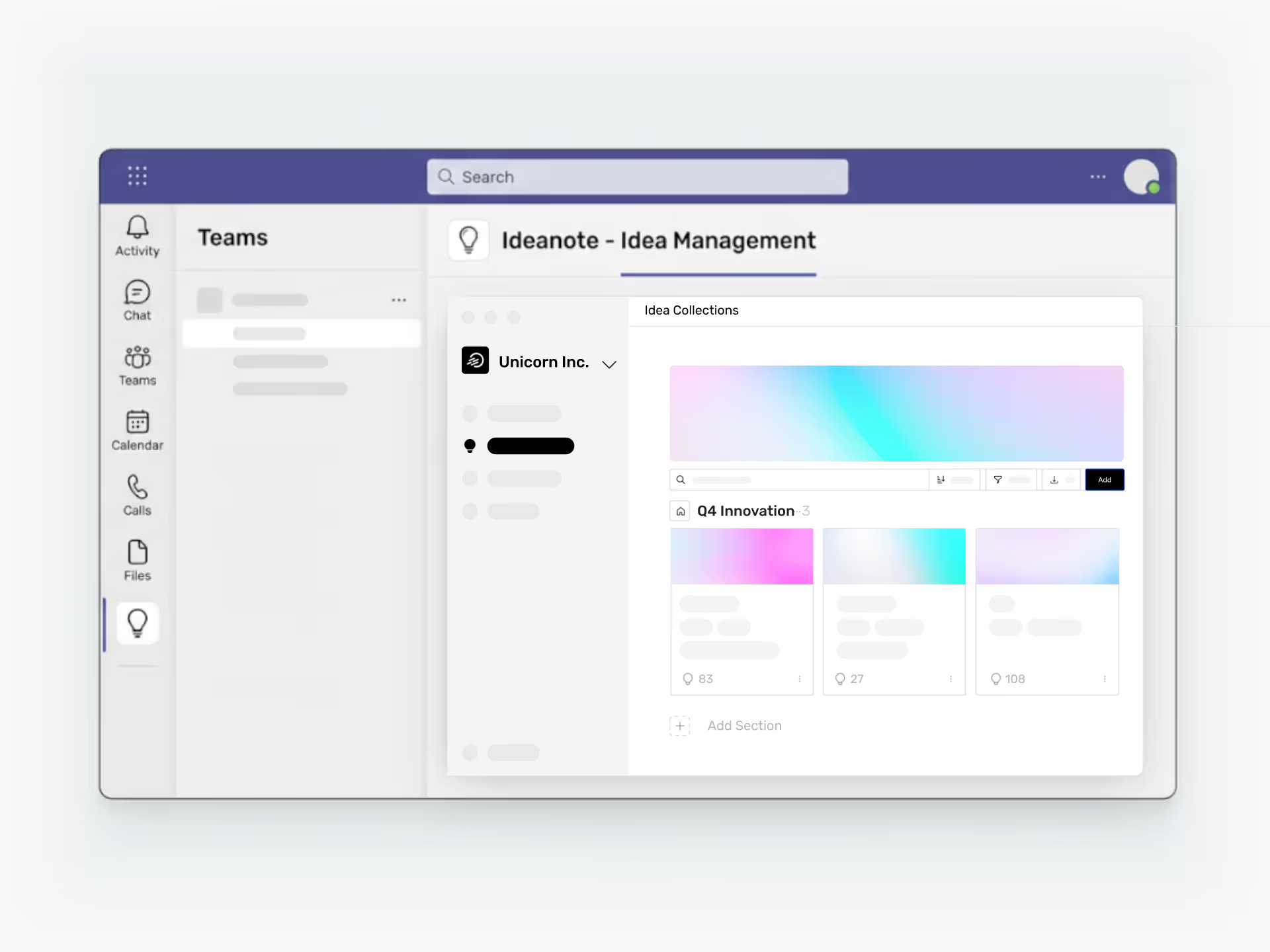
Does Ideanote Work Natively Inside Microsoft Teams?
Yes. Ideanote runs directly inside Microsoft Teams with a full-featured integration. Your team uses the complete idea management platform without leaving Teams.
Install the Ideanote app to your Teams sidebar with one click. Add it to channels so your team members switch between chat and ideas in separate tabs. The interface stays the same. All features work inside Teams: idea collections, phases, automations, charts, fine-grained access control, evaluation, prioritization, and AI.
Your employees sign in automatically through Teams. Ideanote uses Single Sign-On with your Microsoft Active Directory, so users authenticate with their existing work credentials. No extra logins or profile creation needed.
Notifications appear as native Teams messages. When someone comments on an idea, requests feedback, or needs approval, your team sees it in Teams where they already work.
Organizations that rely on Teams for daily collaboration now have idea management in the same place. You reduce context switching. Employees submit ideas where they already communicate. Innovation leaders track progress without opening another tool.
Ideanote is the only fully-featured idea management platform built natively for Microsoft Teams.
Does Ideanote have a native Microsoft Teams integration?
Yes. Ideanote offers a native app for Microsoft Teams that you install directly from the Microsoft Teams app store. Once installed, your team works with ideas inside Teams without switching to another tool.
The integration includes full access to all Ideanote features, including collections, phases, automations, charts, and AI. You get the same interface and functionality you would see in the web version.
How does the app work inside Microsoft Teams?
You add Ideanote to your Teams sidebar or to specific channels. When added to a channel, it appears as a tab alongside your chat. Your team discusses ideas in chat and then switches to the Ideanote tab to submit, evaluate, and prioritize them.
The entire experience runs inside Teams. You do not need to open a separate browser window or leave the Teams environment.
Does the Teams app support single sign-on?
Yes. Ideanote authenticates users through your Microsoft identity system. When someone opens Ideanote inside Teams, they are signed in automatically using their existing work credentials.
You do not need to create separate accounts or manage additional passwords. Ideanote syncs with your Active Directory, so users and permissions align with your organization structure.
Will my team receive notifications through Teams?
Yes. Ideanote sends notifications directly through Microsoft Teams. When someone comments on an idea, assigns a task, or triggers an automation, the relevant people receive a native Teams notification.
You set up notification preferences for each workspace. Users receive updates in the same way they receive other Teams messages, so nothing gets missed.
How do I install the app?
You install Ideanote from the Microsoft Teams app store with one click. Once installed, you add it to your sidebar or to specific channels where your team collaborates on ideas.
Your admin controls who has access through your existing Teams and Active Directory settings. No separate provisioning or complex setup is required.
What features are available in the Teams app?
All Ideanote features are available inside Microsoft Teams. You get full idea collection, evaluation, prioritization, automations, AI assistance, charts, and access control.
The Teams app is not a limited version. Your team has access to the complete platform without leaving Teams.
Integrate Ideanote with your favorite tools to connect your most important business information and move ideas forward with confidence.


Gestion d'idées intelligente et facile
Contactez nos Experts ou essayez Ideanote gratuitement. Aucune carte bancaire requise.

