

Personalize Notifications, Forms, And AI Prompts With Dynamic Variables
Personalize emails and messages, build conditional forms with validation, and run calculations inside AI prompts and automations.
Tailor Every Email, Form, and Workflow to Your Team
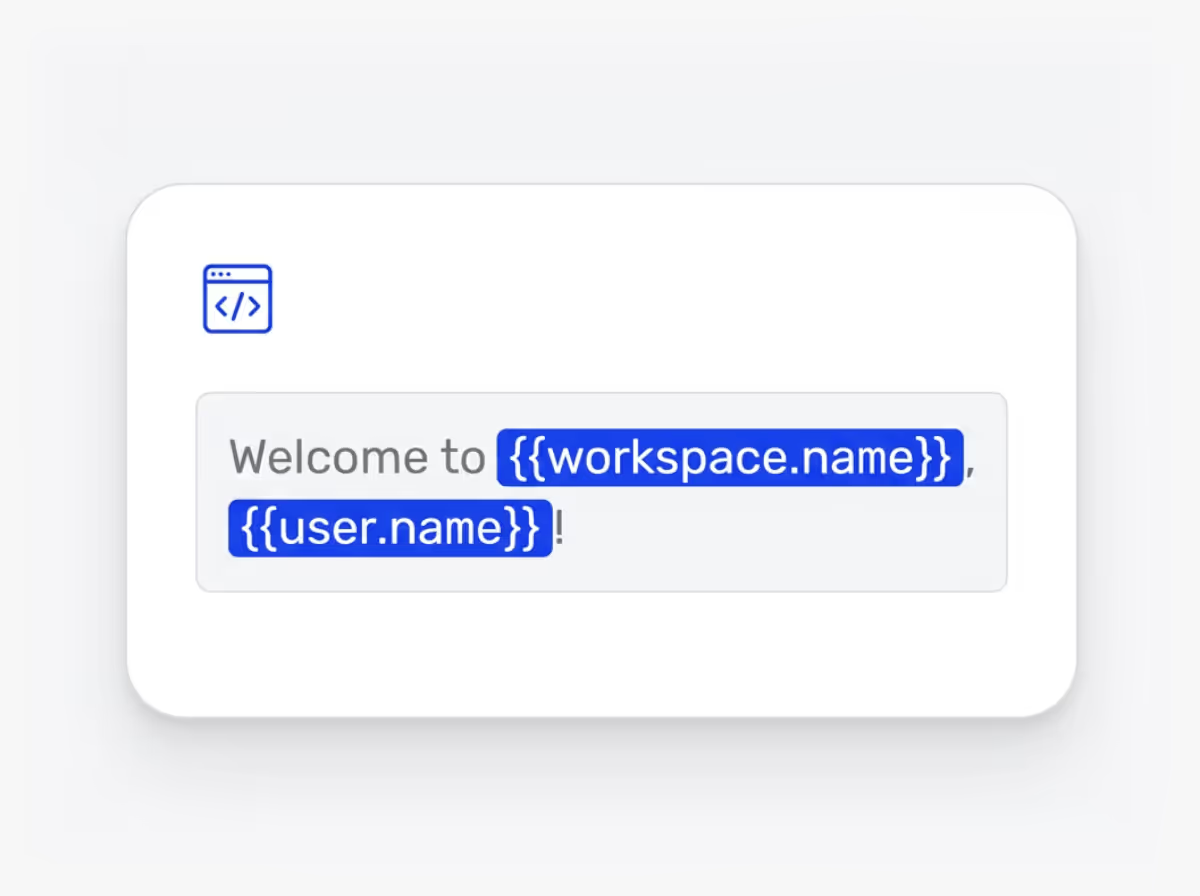
Dynamic variables let you personalize how your team experiences Ideanote. You reference user names, idea data, submission details, and team stats across notifications, forms, and AI prompts.
Start by customizing email notifications. Instead of generic messages, greet each recipient by name and include specific details about the idea they submitted or the phase it entered. You control the message content and who receives it.
Build smarter submission forms with conditional logic. Show or hide fields based on previous answers. Add validation rules to email fields. Include dropdowns, sliders, checkboxes, and radio buttons. Your form adapts as people fill it out, asking only relevant questions.
Use calculations to create weighted scoring systems. Reference field values to build priority matrices that match your internal evaluation frameworks. Sort ideas by criteria like high impact and low cost, with scores that update automatically.
Pipe dynamic data into AI prompts within your workflows. Feed the AI specific idea content, user information, or submission data, then ask it to generate summaries, route ideas to departments, or provide improvement suggestions. The AI works with your actual data, not generic inputs.
Your innovation process runs exactly how you need it to run. Ideanote adapts to your methods, not the other way around.
How do I customize email notifications for different users or situations?
You use dynamic variables to insert user names, idea titles, department names, and other data directly into your email templates. The system pulls this information from your workspace in real time.
You also have access to conditional statements. This means you write different messages based on user role, idea status, or any other criteria you define. One template adjusts its content automatically for each recipient.
What types of conditional logic work in submission forms?
You create conditional fields where certain questions appear only when users select specific options in earlier fields. For example, if someone selects "requires budget approval" you show additional budget-related questions.
You also write dynamic field descriptions that change based on previous answers. The form adapts as users fill it out, showing them only what applies to their situation.
How do calculations work in forms and evaluations?
You build formulas using standard operations like addition, subtraction, multiplication, averages, and rounding. These calculations run automatically as users enter data or evaluators submit scores.
This allows you to create scoring matrices where different criteria have different weights, or forms that calculate totals and projections based on user input. The results appear instantly as users work.
What data do I reference with dynamic variables?
You reference user information like names, roles, and departments. You also pull in idea data such as titles, descriptions, status, phase, ratings, and custom field values.
You combine these data points with functions like truncating text, replacing words, capitalizing, or trimming spaces. This gives you control over exactly how information appears in your messages, forms, and prompts.
How do dynamic variables work with AI prompts?
You insert specific data from ideas, users, or forms directly into your AI prompts. This means the AI receives structured, relevant information for each request instead of generic input.
For example, you pipe an idea title, description, and target department into a prompt that asks AI to generate an executive summary or route the idea to the right team. The AI output becomes specific to each idea automatically.
Where in Ideanote do dynamic variables work?
You use dynamic variables in email notifications, custom messages, form fields and descriptions, view announcements, and AI prompts within automations. They work across your entire workspace.
This means you set up personalization and conditional logic once, and it applies wherever users interact with the system. Your branding, messaging, and data presentation stay consistent.
Do I need technical skills to set up dynamic variables?
You work with a syntax similar to spreadsheet formulas. If you have used basic Excel or Google Sheets functions, you will recognize the structure.
The system provides functions for text manipulation, math operations, and conditional statements. You combine these to create the behavior you need. Start simple with inserting a user name, then build more complex logic as you get comfortable.

Gestion d'idées intelligente et facile
Contactez nos Experts ou essayez Ideanote gratuitement. Aucune carte bancaire requise.

