

Conditional Fields For Smarter Idea Intake
Show or hide form fields as respondents answer. Collect only needed details, reduce noise, and speed idea review.
Why Do So Many Good Ideas Get Lost in Messy Submission Forms?
Your innovation process needs structured data to route, evaluate, and act on ideas. But when you ask for everything upfront, you overwhelm people and collect details you don't need.
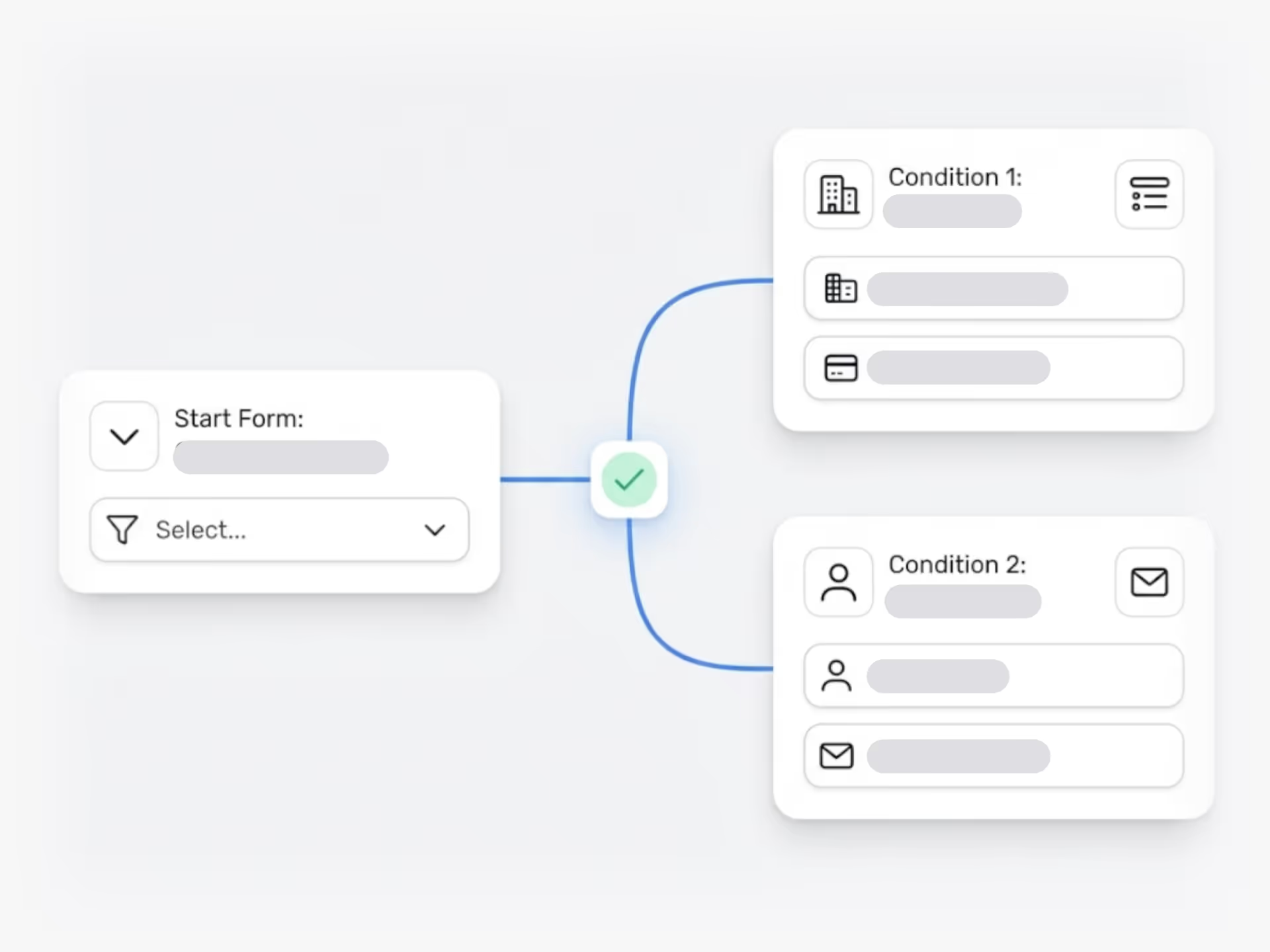
Conditional fields let you show or hide form fields based on how someone answers. If they select "product improvement" from a dropdown, you show fields about existing products. If they choose "new market opportunity," you show different questions about target segments and revenue potential.
You build smarter intake forms that adapt to each submission. People see only the questions relevant to their idea type, department, or budget range. This reduces cognitive load for submitters and delivers cleaner data for reviewers.
What You Get
You set rules that display specific fields when conditions are met. Add dropdowns, checkboxes, sliders, and text inputs. Apply validation to email fields or other data types. Create different submission paths for simple suggestions versus detailed business cases.
Your review team sees only the information they need, organized by idea category. No more scanning through irrelevant answers or chasing missing details.
Conditional fields turn your idea intake from a one-size-fits-all form into a guided process that collects the right information at the right time.
How do conditional fields work in Ideanote submission forms?
Conditional fields appear or disappear based on how someone answers previous questions in your form. You set rules that determine which fields to show next. For example, if someone selects "Product Improvement" as their idea type, you show them fields about existing products. If they select "New Product," different fields appear.
This keeps forms focused and relevant. Respondents only see and answer questions related to their specific idea. You get the details you need without overwhelming people with unnecessary fields.
What types of form fields support conditional logic?
You add conditional logic to all standard field types in Ideanote. This includes dropdowns, checkboxes, radio buttons, text fields, number fields, and date fields. You decide which fields trigger the show or hide action and which fields respond to those triggers.
For example, you set a dropdown as your trigger field. Based on the selection, you show specific text fields, sliders, or additional dropdowns. You build the exact intake flow your process needs.
Does this help with data quality and validation?
Yes. When you show fields only when they are relevant, people provide more accurate information. They focus on fewer questions at once, which reduces errors and incomplete responses.
You also combine conditional fields with field validation rules. This means you require certain formats or values only when those fields appear. For instance, you validate email addresses only when someone indicates they want follow-up communication.
How does this affect idea review and evaluation time?
Conditional fields reduce the time you spend reviewing ideas. Each submission contains only relevant information, so you do not sort through empty fields or irrelevant details. Evaluators see a clean, focused submission that addresses the specific criteria for that idea type.
Your team also routes ideas more accurately. When the right information comes in upfront, you assign ideas to the correct reviewers and skip back-and-forth clarification requests.
How complex do the conditional rules become to set up?
You build conditional rules through a visual interface in Ideanote. You select a field, choose the condition (such as "equals," "contains," or "is greater than"), and specify which fields to show or hide. Most teams set up their first conditional form in minutes.
For more advanced scenarios, you chain multiple conditions together. For example, Field C appears only when Field A equals X and Field B equals Y. You design the logic your process requires without technical knowledge.
Do conditional fields work for different idea types or business cases?
Yes. You create different submission forms for different purposes, each with its own conditional logic. One form handles incremental improvements with basic fields. Another handles strategic initiatives with detailed business case requirements, financial projections, and timeline questions.
When someone submits an idea, they see the form appropriate for that idea type. You gather structured information matched to how you evaluate and prioritize different categories of ideas.

Gestion d'idées intelligente et facile
Contactez nos Experts ou essayez Ideanote gratuitement. Aucune carte bancaire requise.

