

Ideas deserve to grow.
Develop ideas together and turn quantity into quality. Ideanote lets you decide who can comment and give feedback and when.
Will People See Your Idea Comments Across All Workflow Stages?
Your team needs to discuss ideas as they move through collection, development, rating, and implementation. Ideanote keeps the conversation going at every stage.
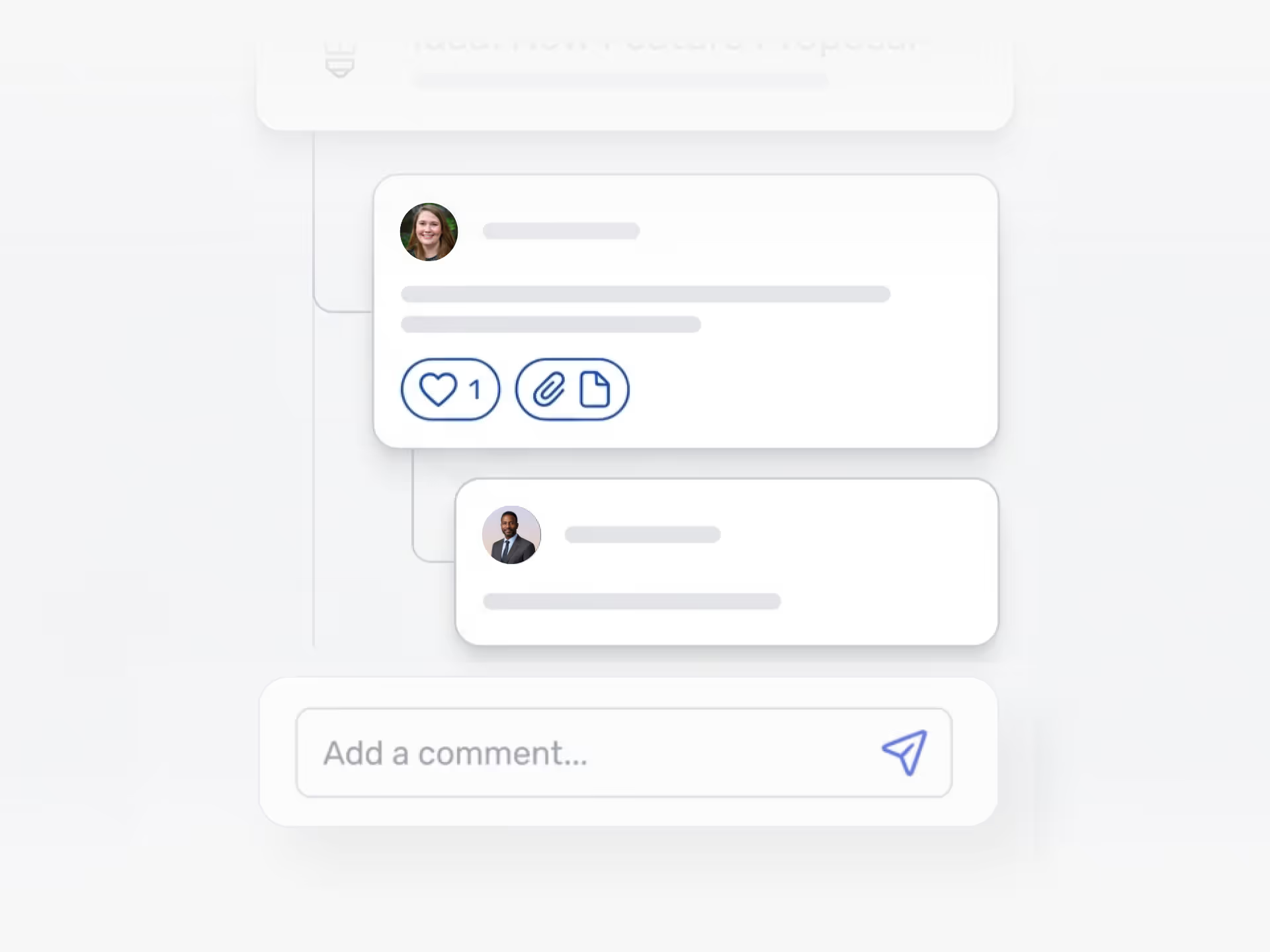
You get threaded comments with multiple levels of replies. Team members add attachments directly to comment threads. They use @mentions to bring the right people into the discussion. They like comments to show agreement. Notifications alert people when someone mentions them or responds to their comment.
You control the comment prompt for each phase. Ask "How might we improve this idea?" during development. Request "What resources do we need?" during implementation planning. Set the prompt to match what you need at each stage.
Anonymous Authors Stay Anonymous
When someone submits an idea anonymously and adds a comment, their identity stays hidden. You get honest discussion without bias.
Comments Work Across Languages
Your global team reads comment translations in their preferred language. Everyone participates regardless of where they work.
Moderators remove or edit comments when needed. You set up keyword filters to keep discussions focused on ideas, not complaints.
Ideanote treats comments as collaboration tools, not afterthoughts. Your ideas get better through discussion, and your team makes faster decisions with all the context in one place.
Does commenting work across all workflow stages?
Yes. Your team members continue to discuss and refine ideas as they move through different phases of your workflow. Someone who commented during the initial submission phase sees the same discussion thread when the idea moves to evaluation or implementation. This lets you maintain context and history as ideas progress.
Do people get notified when someone comments or mentions them?
Yes. Team members receive email notifications when someone comments on their idea or mentions them with an @ tag. This keeps the right people informed without requiring them to check the platform constantly.
You control notification preferences at the workspace level, so your team gets updates that matter without notification overload.
How does anonymous commenting work?
When someone submits an idea anonymously and then comments on that idea, their identity stays hidden in the comment thread. Other users see the comment but not who wrote it.
Workspace admins always see the real identity behind anonymous submissions and comments. This gives you accountability while protecting contributor privacy when needed.
Do comments support file attachments?
Yes. Your team members attach files directly to comments when they need to share supporting documents, images, or other materials during discussion. This keeps all relevant context in one place instead of forcing people to email files separately.
How do you prevent comments from becoming complaints or going off-topic?
You set custom comment prompts to guide discussion in the direction you want. Instead of a generic "Add a comment" field, you ask specific questions like "How might we improve this idea?" or "Please leave constructive feedback." This structures the conversation from the start.
Workspace admins also moderate comments after posting. You remove or edit content that violates your guidelines to maintain a focused, productive environment.
Do comments translate for multilingual teams?
Yes. Team members see a translation option on comments written in other languages. This lets global teams collaborate without language barriers stopping the flow of ideas and feedback.
What does liking a comment do?
Liking a comment shows agreement or support without adding another reply to the thread. This keeps discussion readable while still letting people signal which feedback resonates most.
You see like counts on comments, which helps identify which suggestions or concerns multiple people share.

Gestion d'idées intelligente et facile
Contactez nos Experts ou essayez Ideanote gratuitement. Aucune carte bancaire requise.

